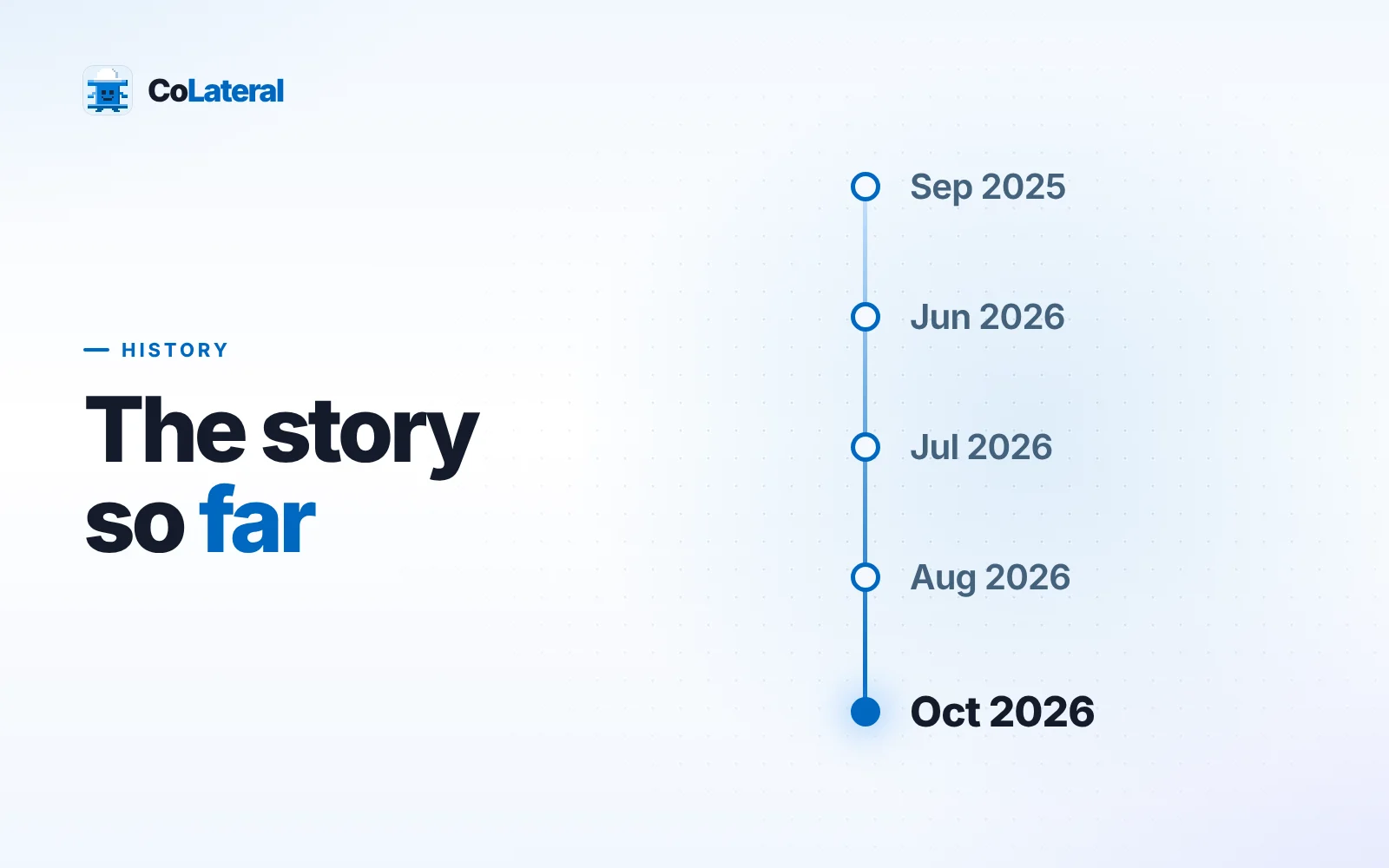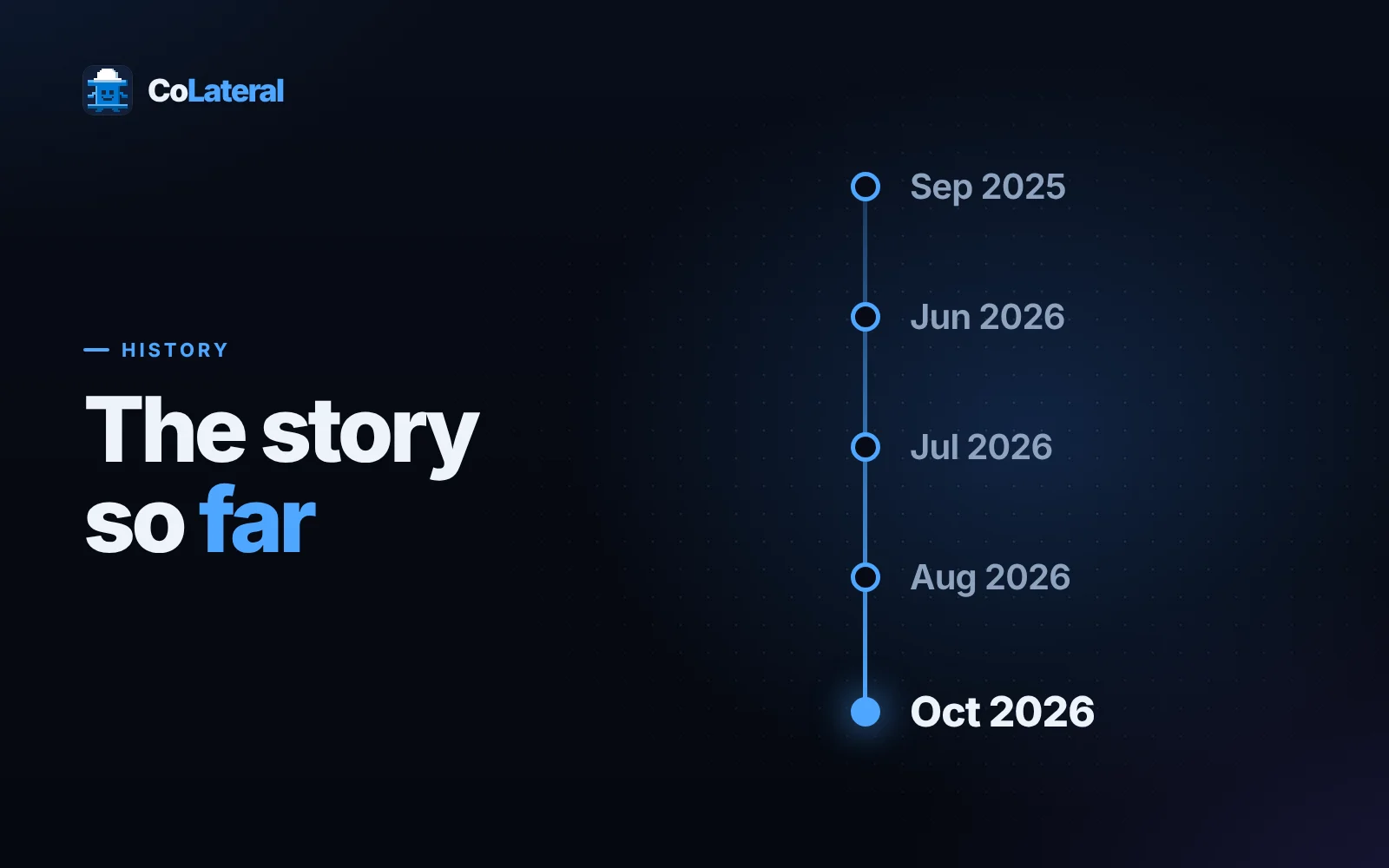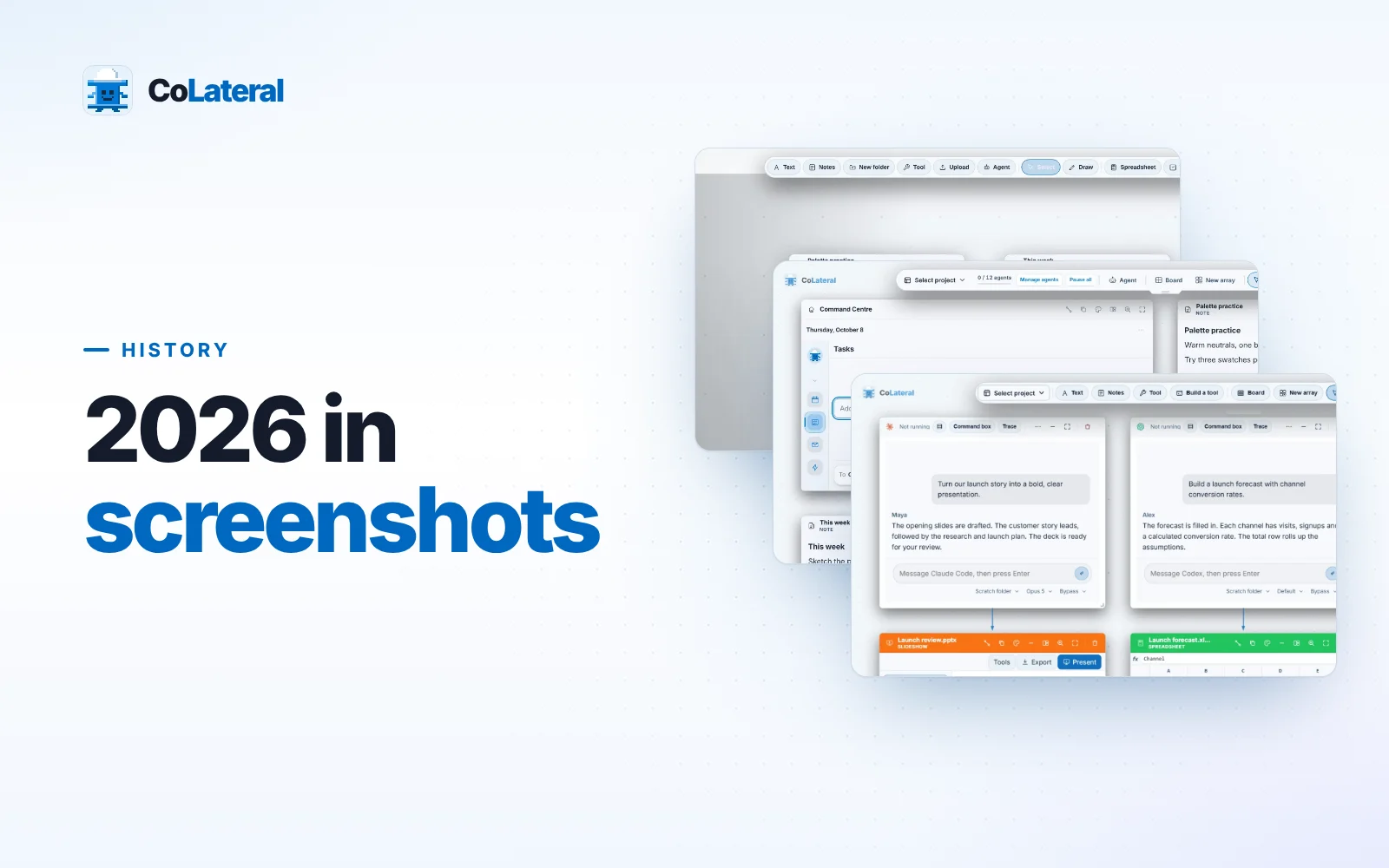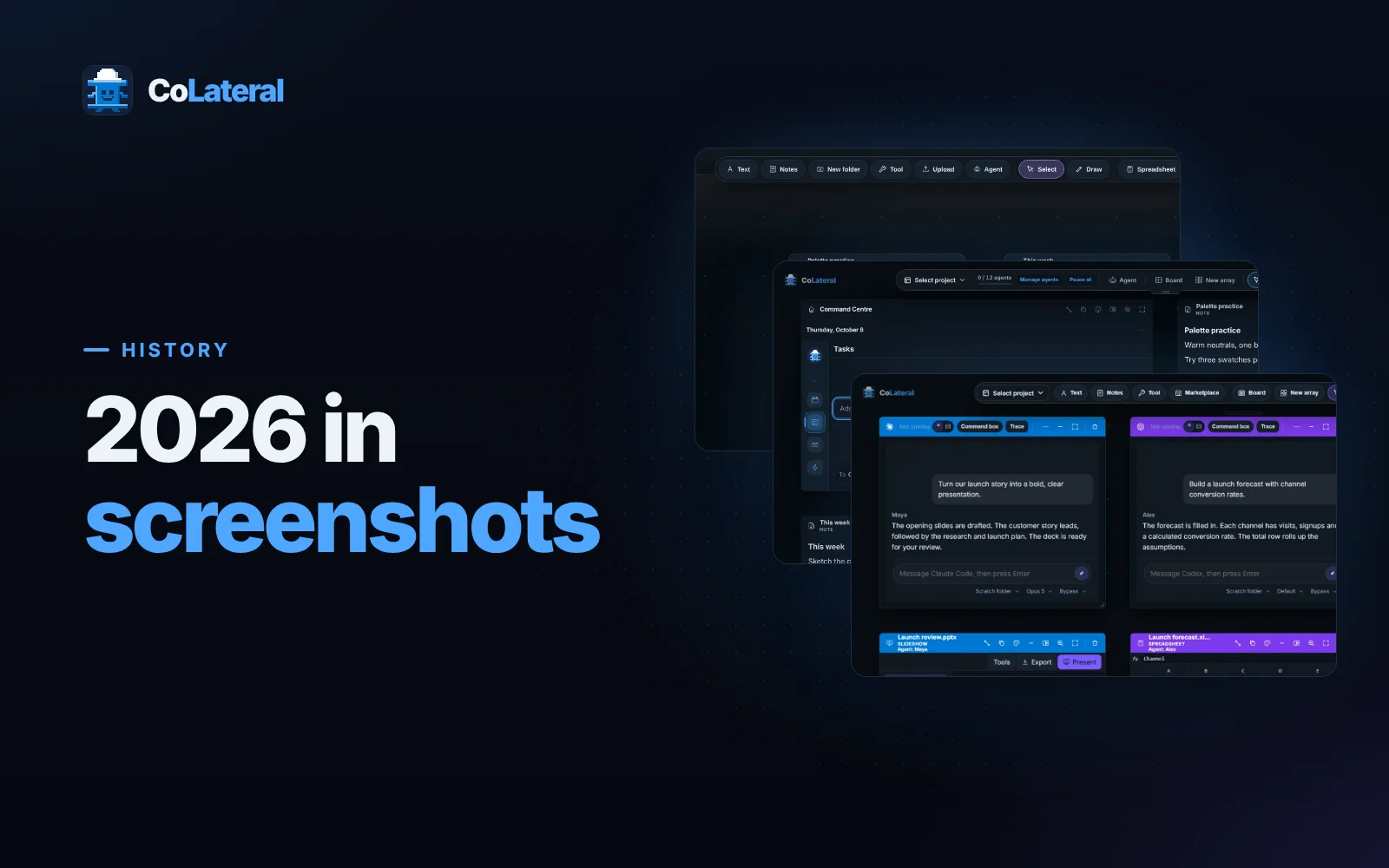
What each desktop release changed, how the product got here, how AI model releases reshaped it, what the expansion packs are, and why we make the choices we do. It launched on 8 October 2026 with posts in every section, and each claim is tied to the repository or a public page of this site.
Key takeaways
- The CoLateral blog launched on 8 October 2026 as the formal, searchable record of what Nic Vandewetering posts on X and streams on YouTube.
- CoLateral is an agentic workspace for Windows, macOS and Linux where files, notes, tools, terminals and AI coding agents such as Claude Code and OpenAI Codex share one visual Project Canvas.
- The CoLateral blog has five sections: release notes and product updates, history, models and agents, packs and modules, and founder notes.
- The CoLateral release notes for 2026 list what each desktop version changed, newest first, and are the place to check what a release changed.
- You can follow the CoLateral blog by RSS at /blog/feed.xml, on X, on YouTube livestreams or in the CoLateral Discord.
What is CoLateral?
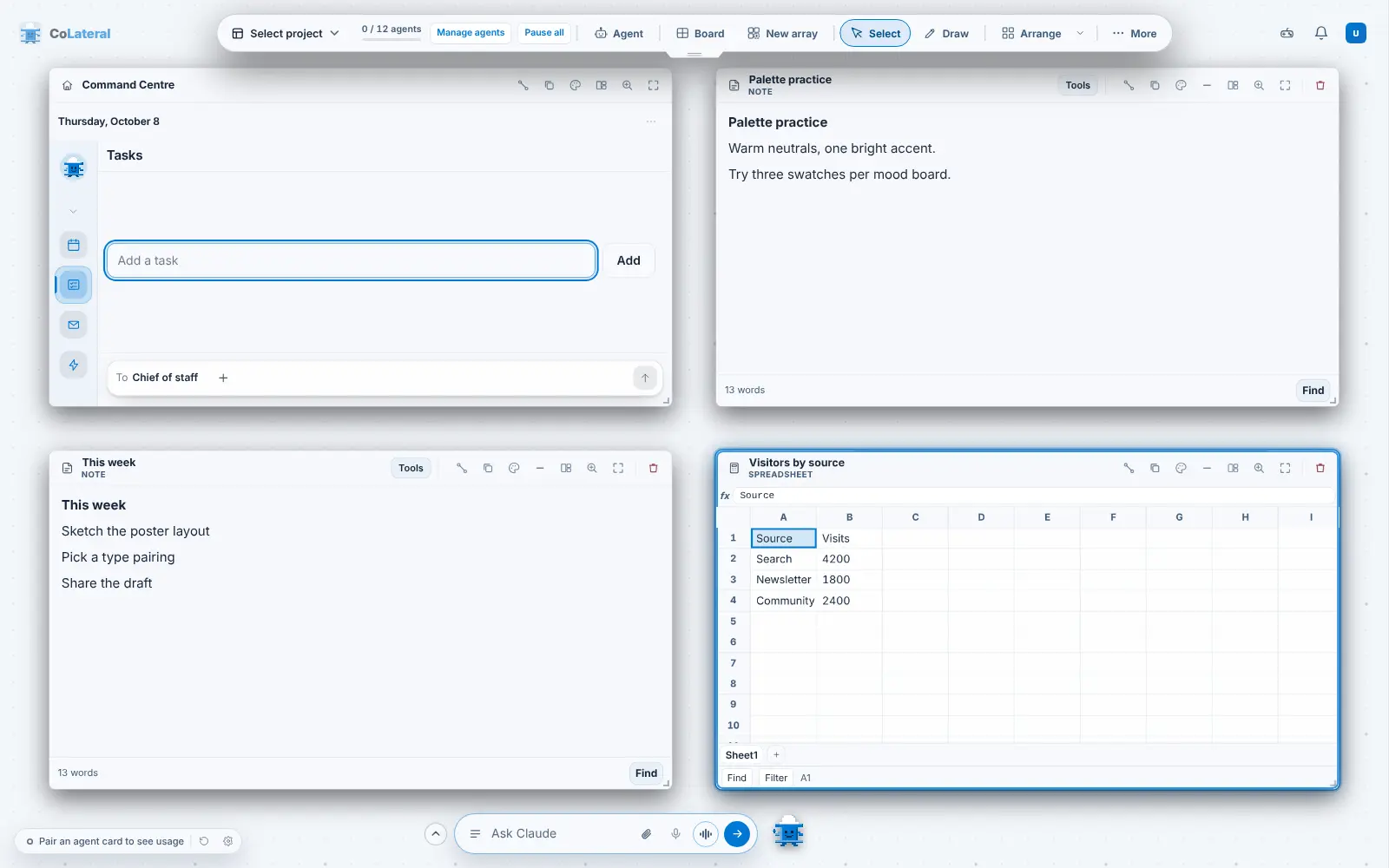
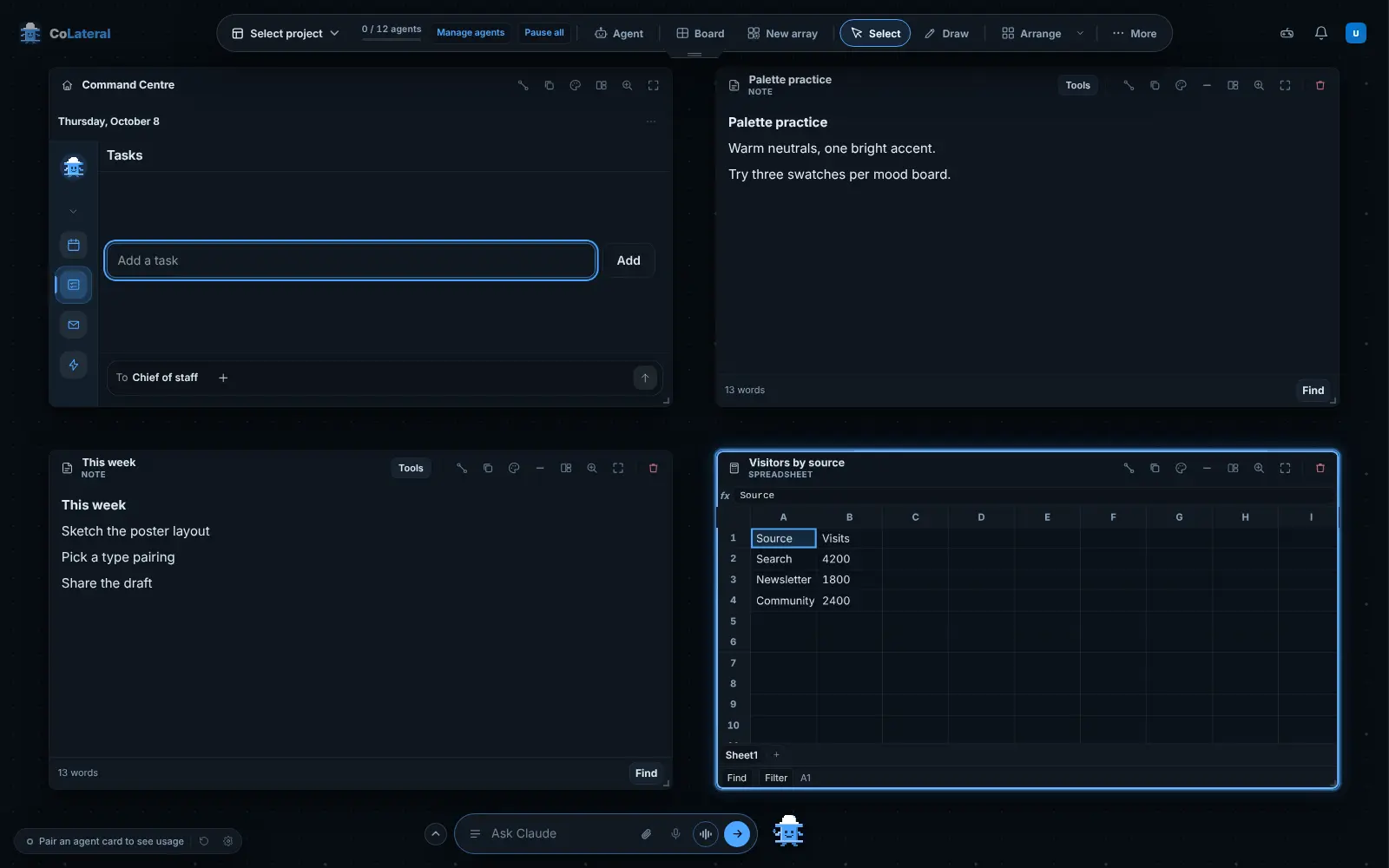
The Project Canvas is the surface everything lives on. A note, a spreadsheet, a slideshow, a to-do list, a Terminal Card running Claude Code or Codex, and a tool an agent just built for you are all cards on the same board. The workspace is discipline-neutral: it is the same canvas whether you write software, run a studio or plan a launch. We sell it as a one-time licence, and it runs on the AI accounts you already pay for. See pricing for the current terms and the download page for the Windows, macOS and Linux installers.
Why does CoLateral have a blog?
Because the product changes faster than any one page can describe. CoLateral is built in public, often live on YouTube, and the day-to-day story is scattered across livestreams, short posts on X and commit messages. Those are good for the moment and poor as a record. Someone who wants to know what changed in a release, when a feature appeared, or what a pack actually contains should be able to find one page that says so, with a date on it.
The blog is that page. It is the more formal version of what Nic posts on X: fewer words per idea than a livestream, more care than a post. Where we cannot verify a claim against the repository or a public page, we leave it out.
What will the CoLateral blog cover?
The CoLateral blog has five sections, each with its own page of posts.
- Product updates covers release notes and the changes that matter, including the full 2026 release notes for the desktop app.
- History covers how CoLateral grew from a shelf of browser tools into an agentic desktop workspace, era by era.
- Models and agents covers how each new AI model and coding agent release changed the product and its interface, for example how model releases change the model picker.
- Packs and modules covers what each expansion pack and module adds, starting with the expansion packs explained pillar post and the arcade games module.
- Founder notes covers the decisions, mistakes and livestreams behind the build, written in the first person by Nic, including building CoLateral in public.
Which CoLateral blog posts should you read first?
Start with the history if you are new to CoLateral, and with the release notes if you already run it. The launch posts give every section an entry point.
| If you want to know | Read |
|---|---|
| How the product came to be, with a timeline | The history of CoLateral |
| What the canvas looked like in each era | CoLateral visual history |
| Which agents and models CoLateral runs, and how each got there | AI agents in CoLateral |
| Why CoLateral is a one-time licence and not a subscription | Why CoLateral is a one-time licence |
| Why CoLateral runs on your own AI account | Why CoLateral uses your own AI account |
| What each desktop release changed, newest first | CoLateral release notes for 2026 |
| What you buy once and what is layered on top | CoLateral expansion packs, explained |
| How to run Claude Code and OpenAI Codex in two terminals on one canvas | Run Claude Code and Codex side by side |
| How the livestreams and the build in public work | Building CoLateral in public |
How is the CoLateral blog different from the resources section?
The resources section holds how-to guides, such as the first project workspace: pages that teach a task and stay useful as long as the task does. The blog is the narrative. It is dated, it records what changed and why, and an older post stays as it was written rather than being quietly rewritten. When a post is about an earlier period, it says which period it covers instead of pretending to be new.
How do you follow the CoLateral blog?
- RSS: subscribe to /blog/feed.xml in any feed reader.
- X: follow @nvandewetering for the short version as things happen.
- YouTube: watch the build live on the Nic Vandewetering channel, where the livestreams are archived.
- Discord: the CoLateral community is where support, updates and discussion happen. The about page links all of these.
Where can you try CoLateral?
Download CoLateral for the desktop app. The installers are for Windows, macOS and Linux, and the app keeps itself current through signed updates. To see the app and the optional add-ons first, visit the demos, the packs page and the store, and if you have a question that is not answered here, the FAQ is the next place to look.
FAQ
Frequently asked questions
What is the CoLateral blog?
The CoLateral blog is the product's written record of itself. It publishes release notes, the history of the app, how AI model releases changed it, what the expansion packs are, and founder notes from Nic Vandewetering.
How often is the CoLateral blog updated?
We publish when there is something worth recording, not on a fixed schedule. Release notes follow desktop releases, and the other sections grow as the product does. Subscribe to the RSS feed at /blog/feed.xml to see each new post.
Does the CoLateral blog have an RSS feed?
Yes. The feed is at /blog/feed.xml, and every page of the blog advertises it so feed readers can find it automatically.
Who writes the CoLateral blog?
Nic Vandewetering, the founder of CoLateral, is the author. Product posts are written in a neutral "we" voice, and founder notes are written in the first person.
Where can I find the CoLateral release notes?
The CoLateral release notes for 2026 are a post on this blog at /blog/colateral-release-notes-2026. They list what each desktop version changed, newest first, with dates, and explain how signed updates reach your machine.
Where do I get CoLateral support?
The CoLateral Discord community is where support, updates and discussion happen, and the FAQ covers common questions. Both are linked from the about page and the footer of the site.
What is CoLateral, the app the blog is about?
CoLateral is the all-in-one agentic workspace, a desktop app for Windows, macOS and Linux where files, notes, tools, terminals and AI coding agents such as Claude Code and OpenAI Codex share one visual Project Canvas. It is sold as a one-time licence and runs on the AI accounts you already pay for.