Windows
Windows 10 or 11, 64-bit.
CoLateral 1.0.68
Not signed yet, so Windows warns you once. At "Windows protected your PC", choose More info, then Run anyway.
Sent by support
One app for Windows, macOS and Linux. Paste the key in the desktop app after you install.
Downloads are not served from this deployment yet. Contact support@colateral.engineering for help with your installer.
Activate in the app. Your key opens the desktop app, not this page. Use it on two computers. Connect to activate, then reconnect at least every 30 days.
Bring your own AI. A Claude Code or Codex CLI login, or an Anthropic API key. CoLateral supplies no credits. The agent terminal needs Node.js on your PATH.
Updates in the app. Use Check for updates, then Install and restart. For a manual reinstall, open the download button in your license email and install over your copy.
Windows 10 or 11, 64-bit.
CoLateral 1.0.68
Not signed yet, so Windows warns you once. At "Windows protected your PC", choose More info, then Run anyway.
macOS 12 or newer. One universal build for Apple Silicon and Intel.
CoLateral 1.0.68
Signed and notarised by Apple, so it opens on a double-click. Drag it into Applications and eject the disk image before opening it.
64-bit x86. The AppImage needs no install and no root.
CoLateral 1.0.68
Mark it executable before the first run.
Or, in Terminal: chmod +x CoLateral_1.0.68_amd64.AppImage
Version 1.0.68, built from one tagged commit with the same tools on all three. All three are 64-bit. Trouble installing or activating? Read the FAQ, or email support@colateral.engineering.
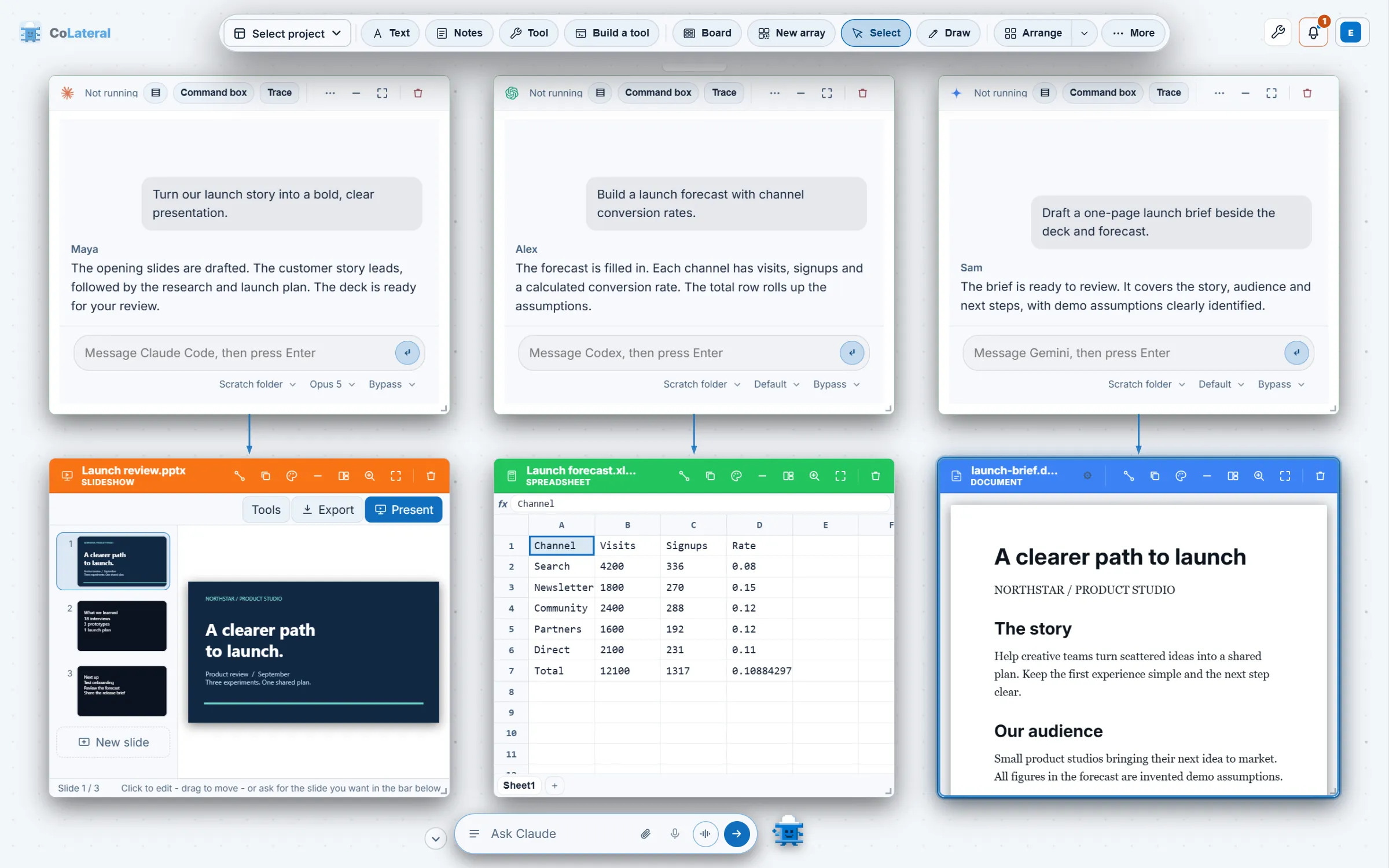
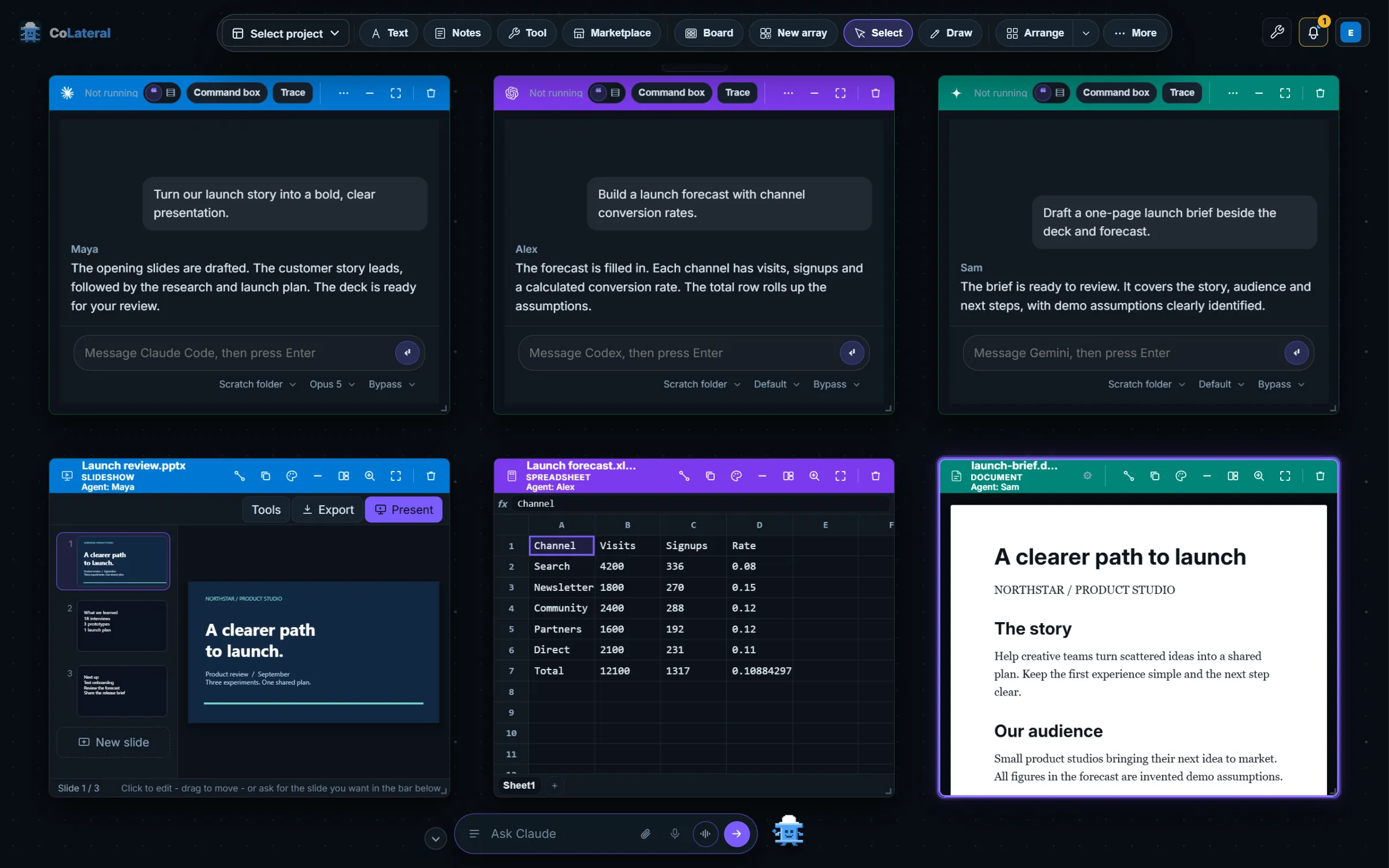
Create a project and add a note. Once it is saved, bring in a file, open a tool, or connect an agent using your own AI account.