Start small. Build from there.
Practical guides for your first project, your agent connections and the work you want to keep.
5 guides across 3 topics
Keep exploring
Understand the workflow before you hand over the task.
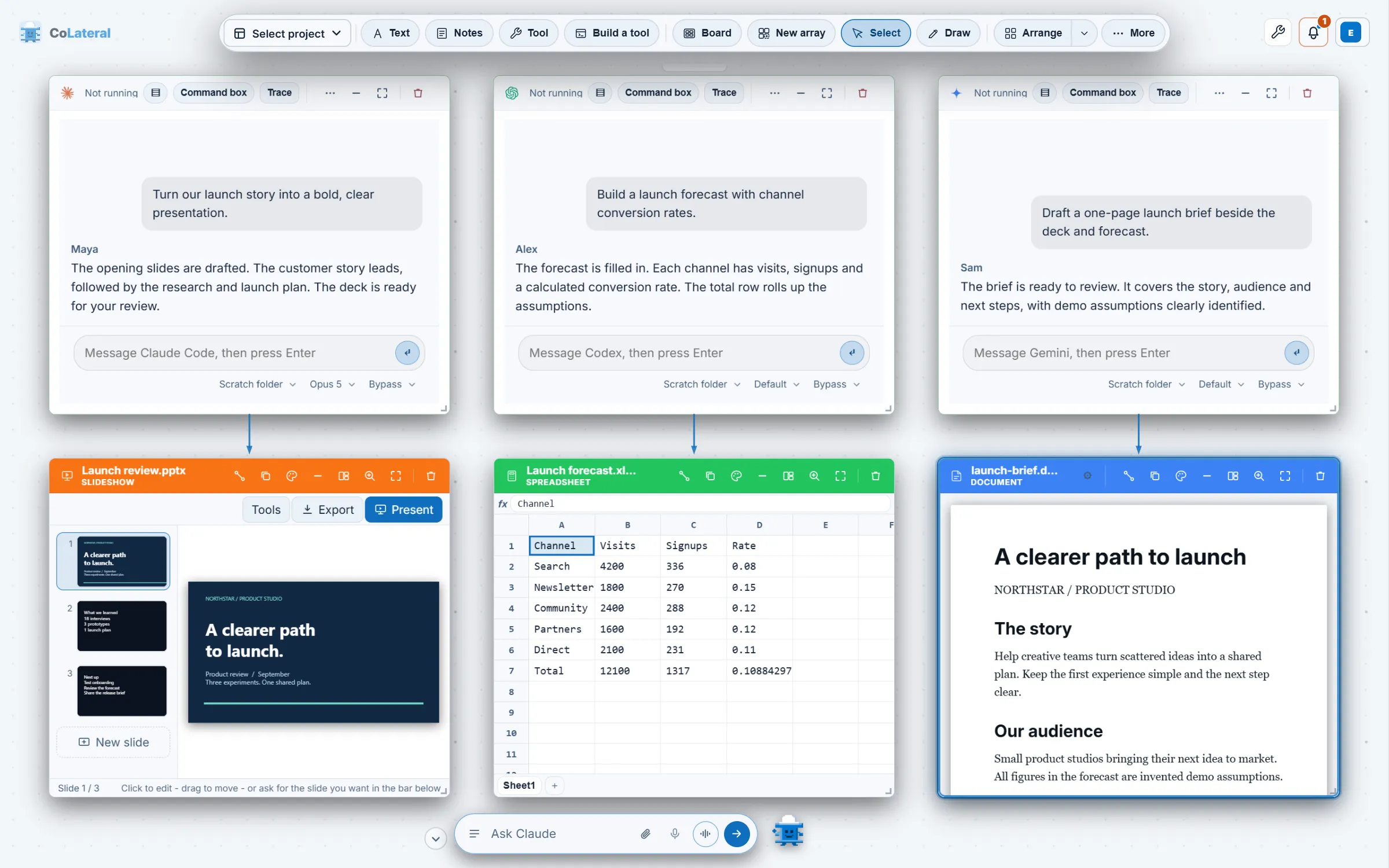 Comparisons
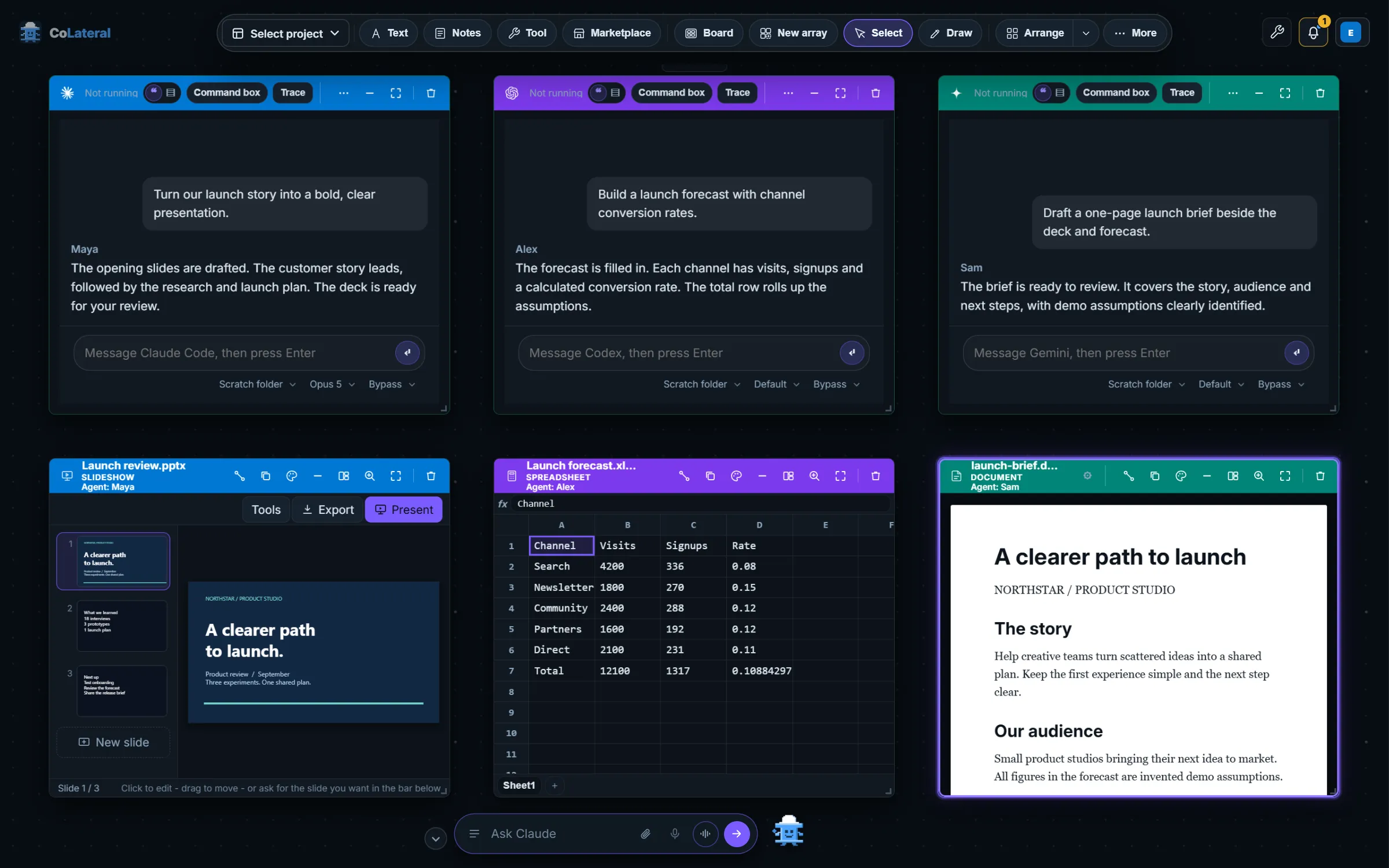
CoLateral vs Cursor: a canvas or an AI code editor?
Cursor is an AI code editor on a monthly plan. CoLateral runs the coding CLIs you already pay for side by side on one canvas, for a one-time license.
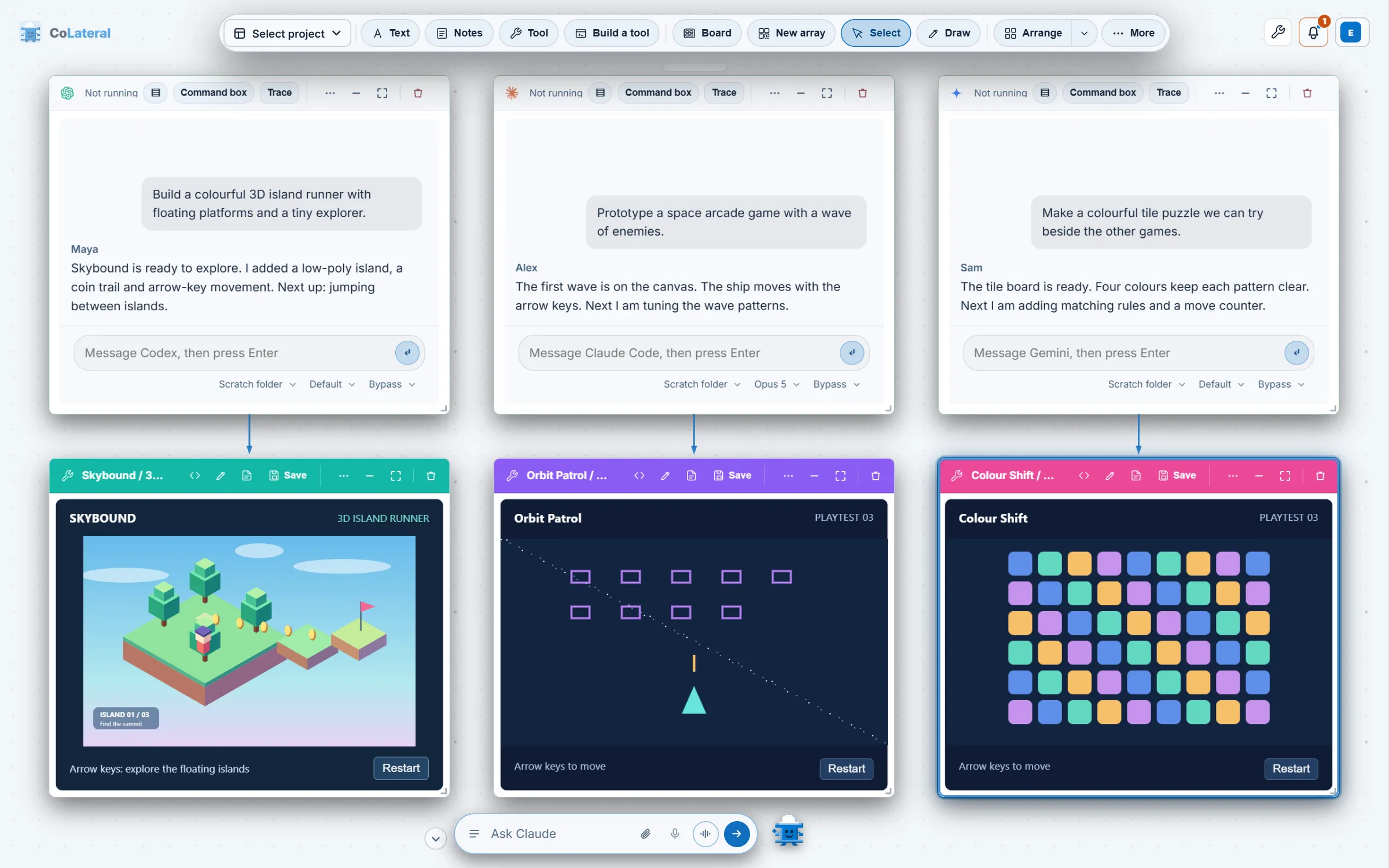 Comparisons
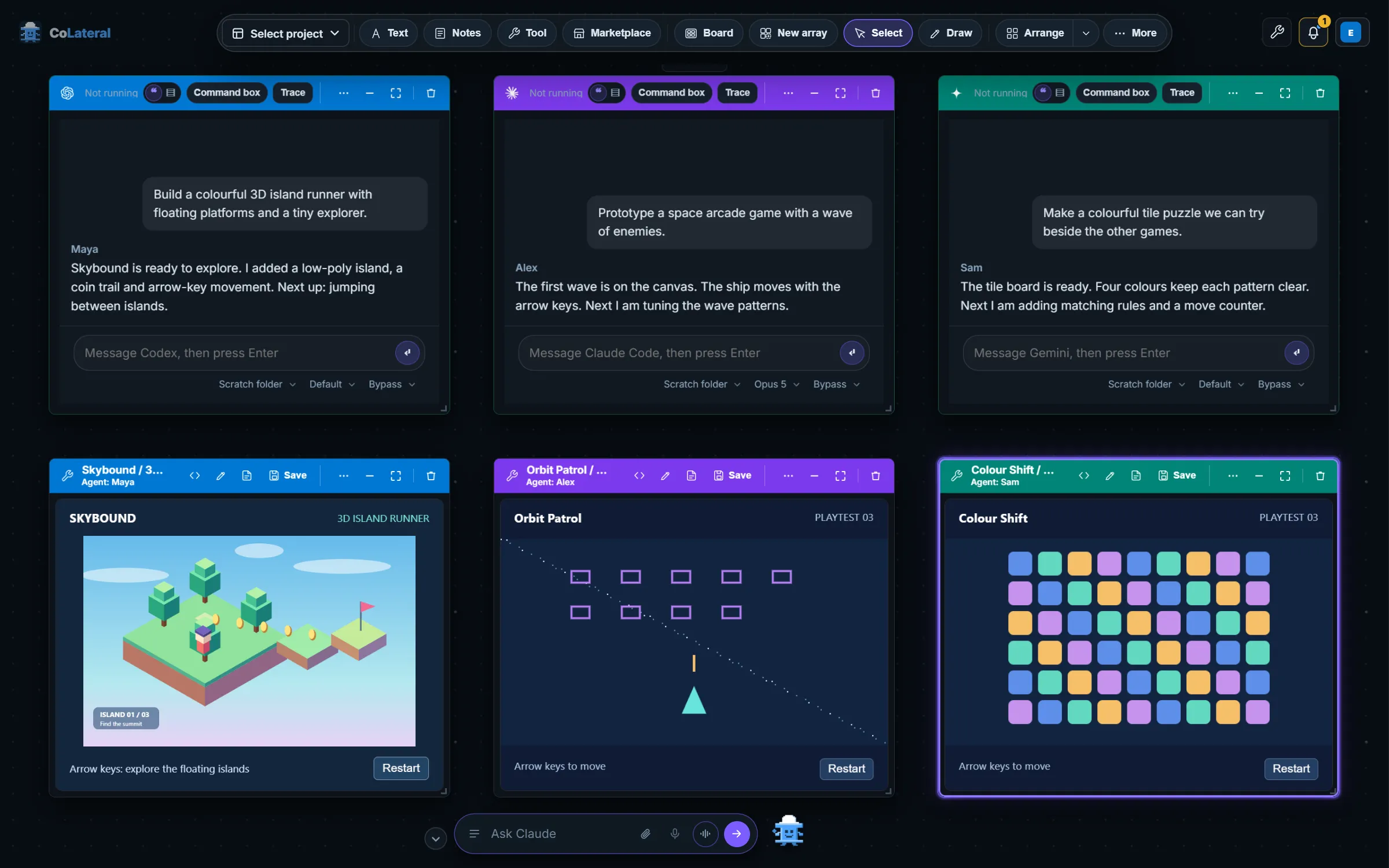
CoLateral vs Conductor: two ways to run parallel agents
Conductor runs Claude Code and Codex in parallel git worktrees on a Mac. CoLateral puts coding agents side by side on one canvas on Windows, macOS and Linux.
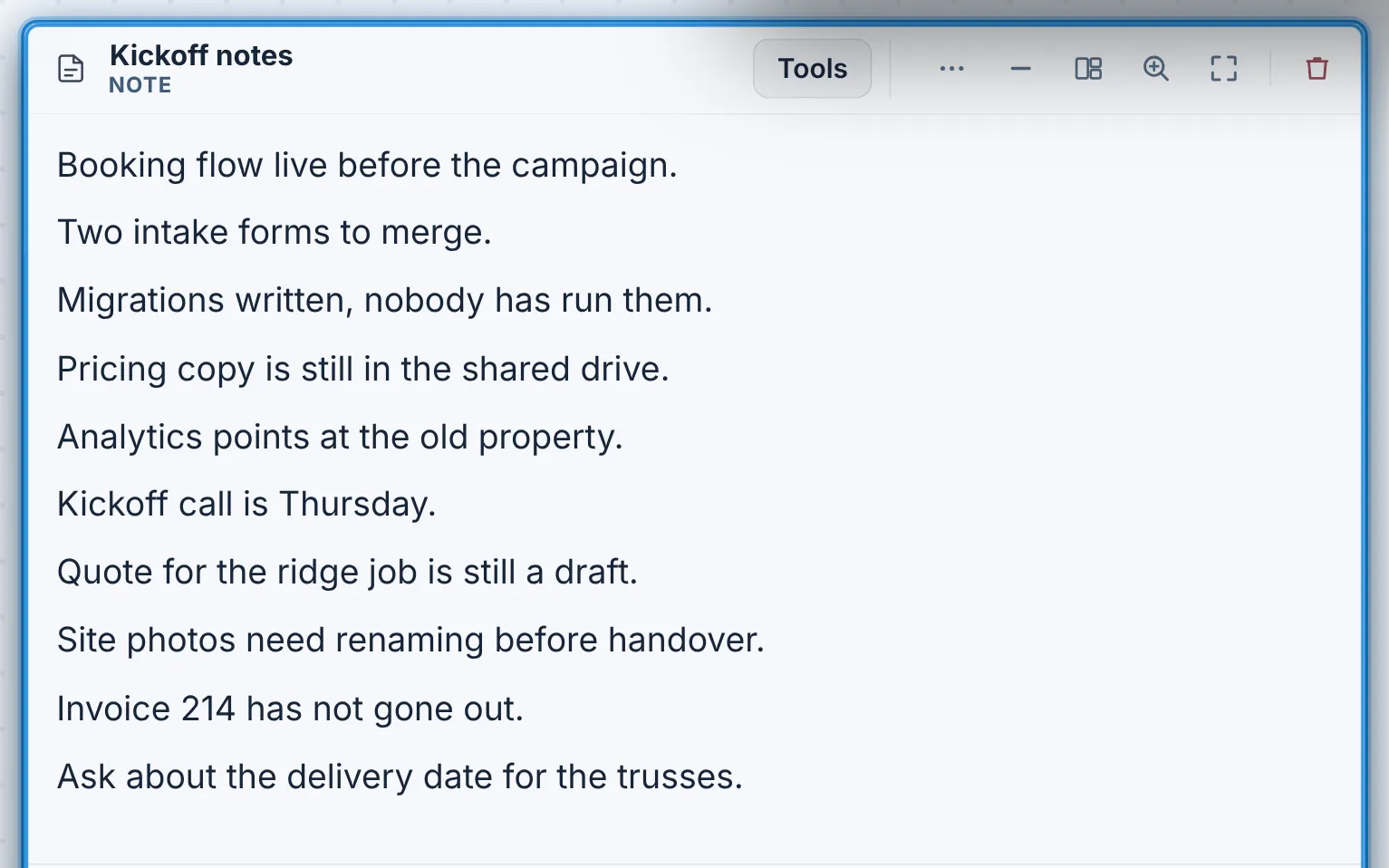 Getting started
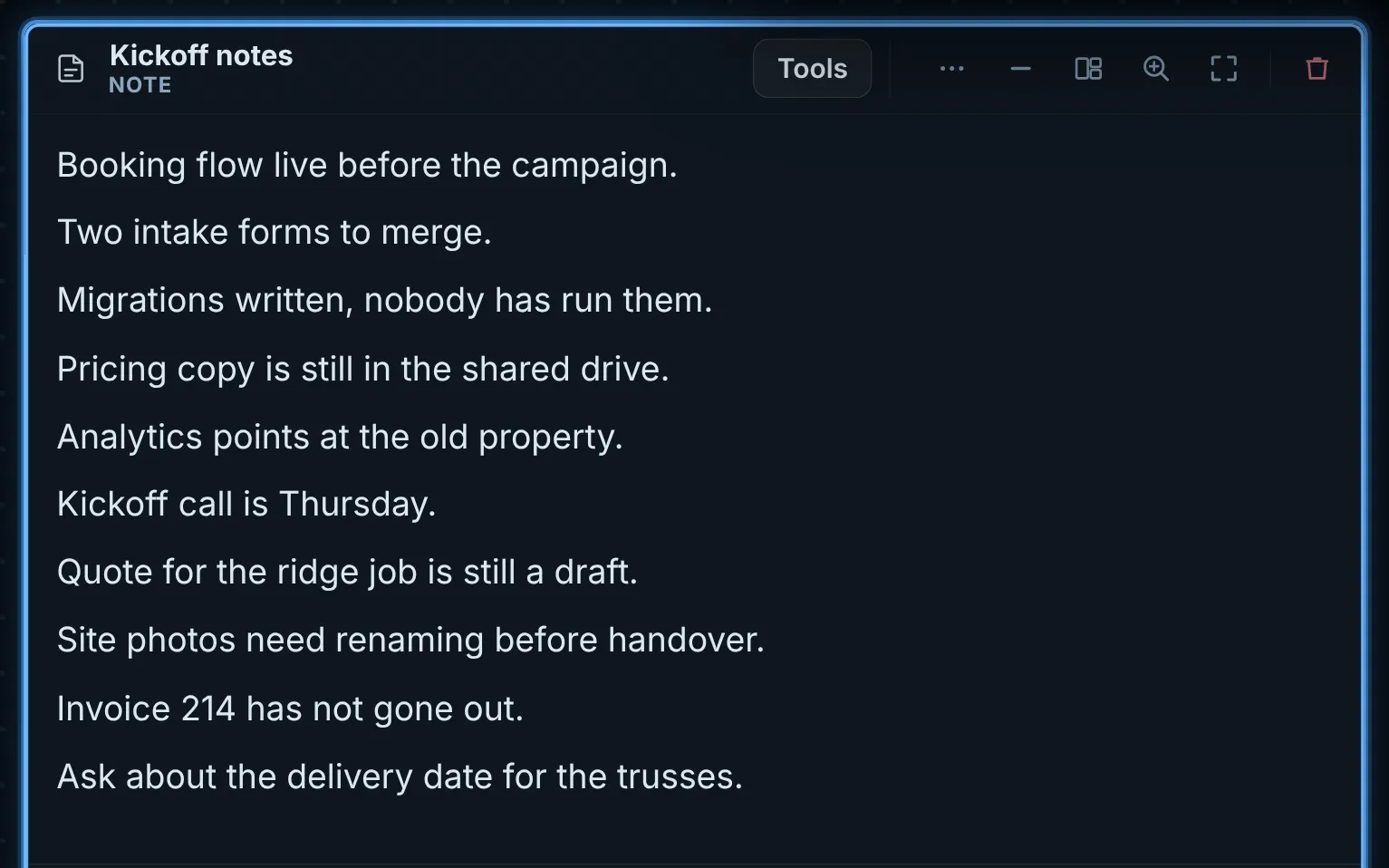
Keep your first project in CoLateral
Create a small project brief, check a local save and reopen it. Learn where supported agents, files and tools fit when you are ready.
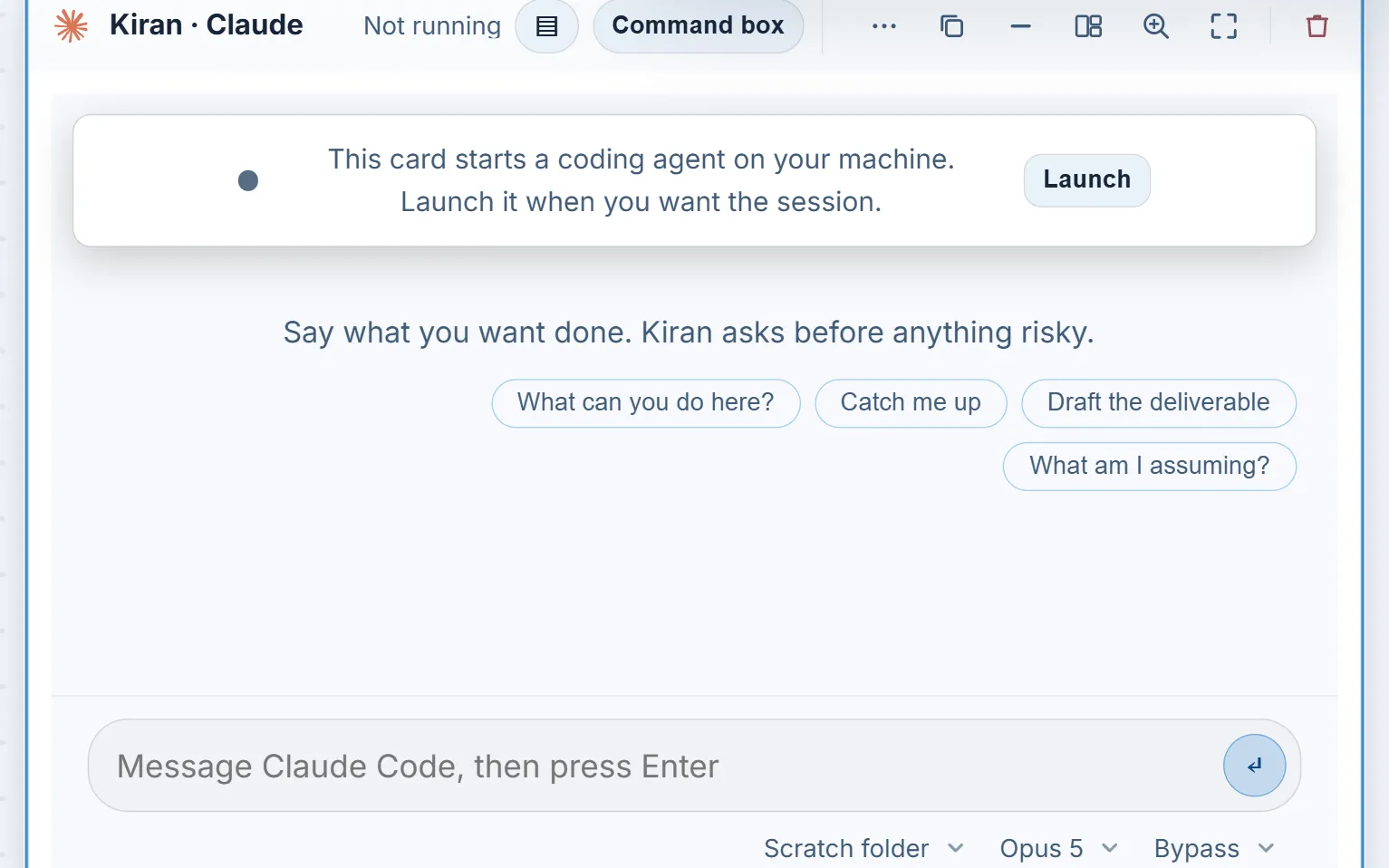 Agentic workflows
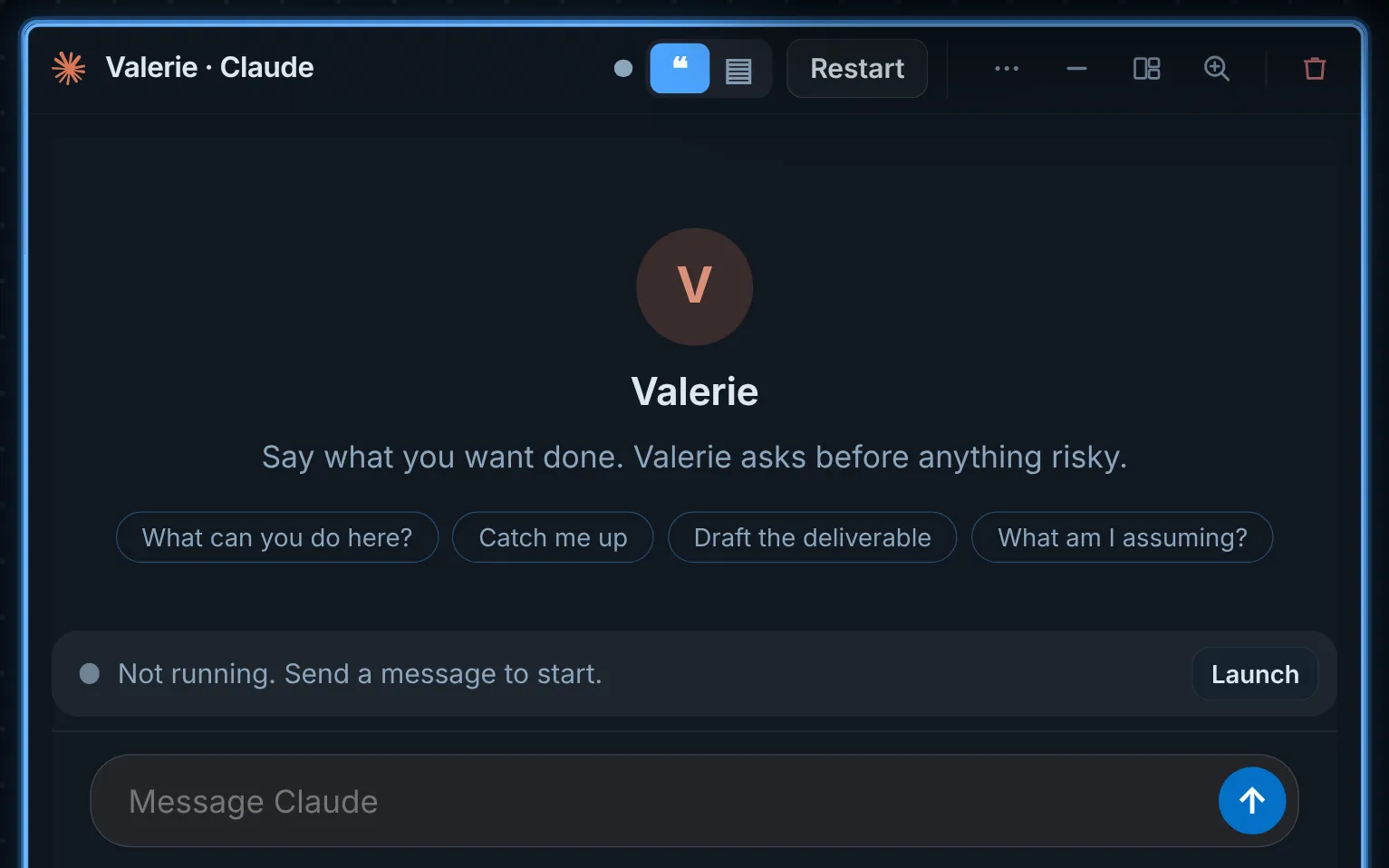
What an AI agent can and cannot do with your files
A practical guide to agent access, source files, permissions and reviewing the output. Keep the work inspectable from the first request.
Bring your next project together.
Keep your files, notes, tools and supported agents together on a visual project canvas. Start small, connect your own provider account when needed and inspect the result.