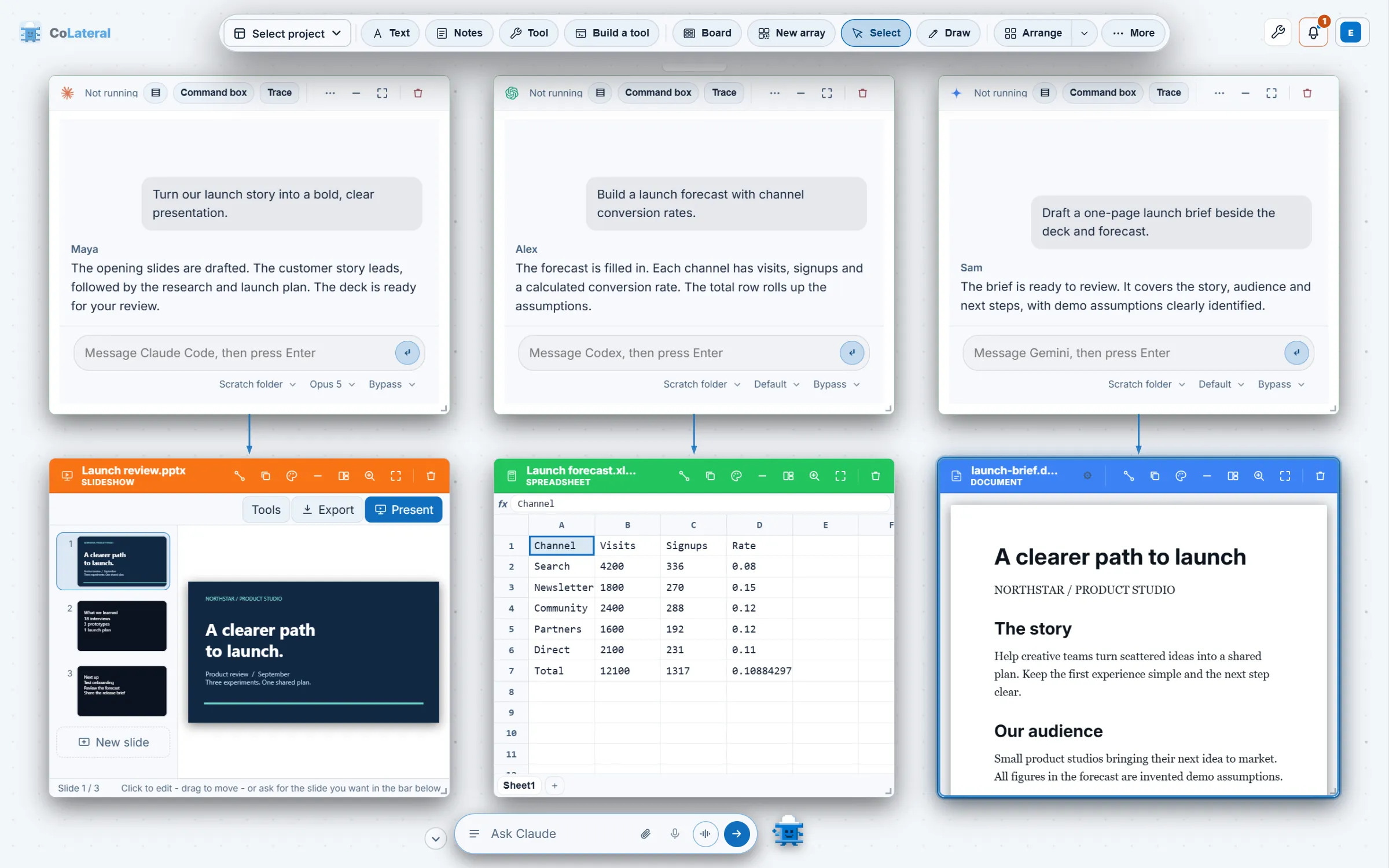
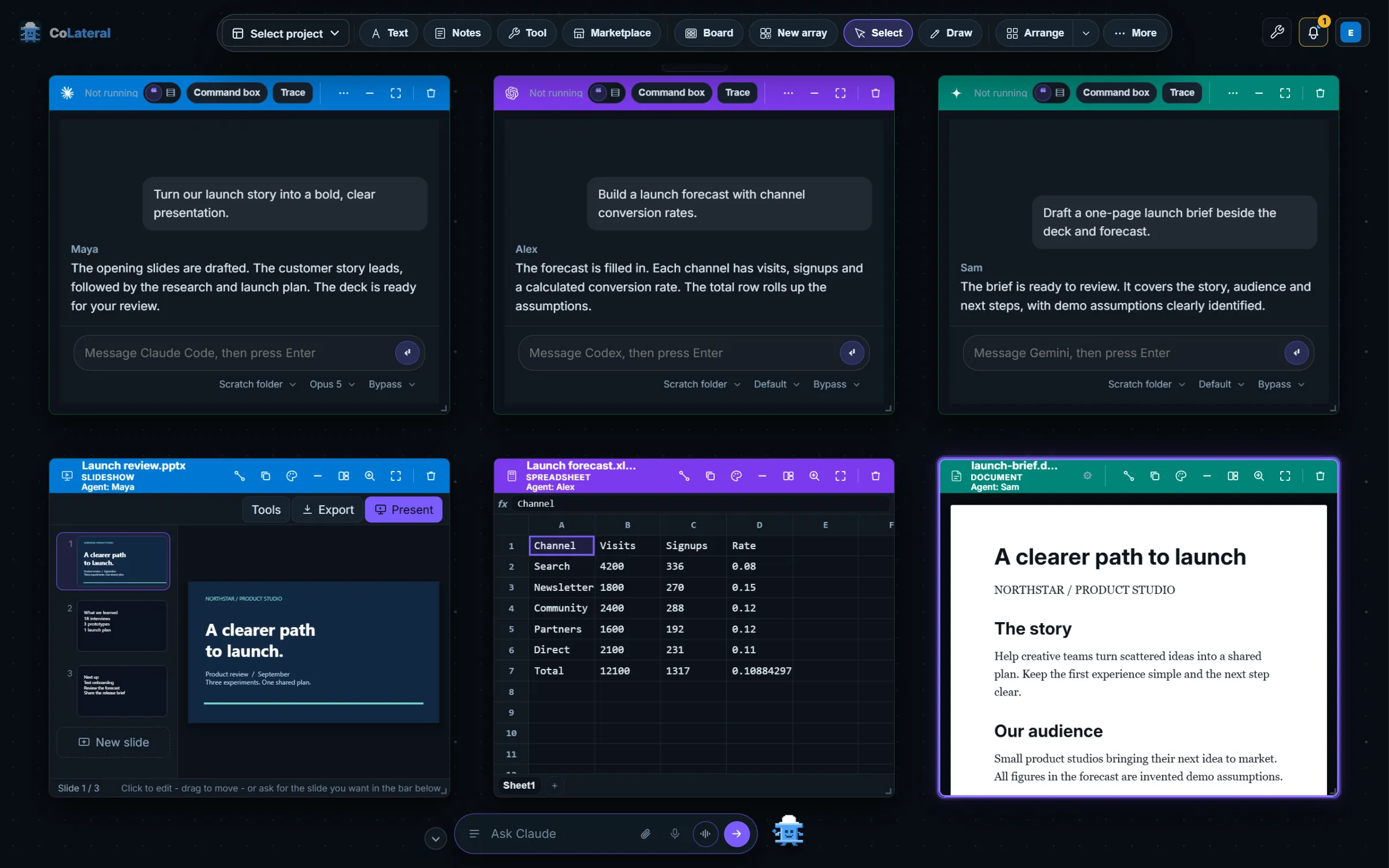
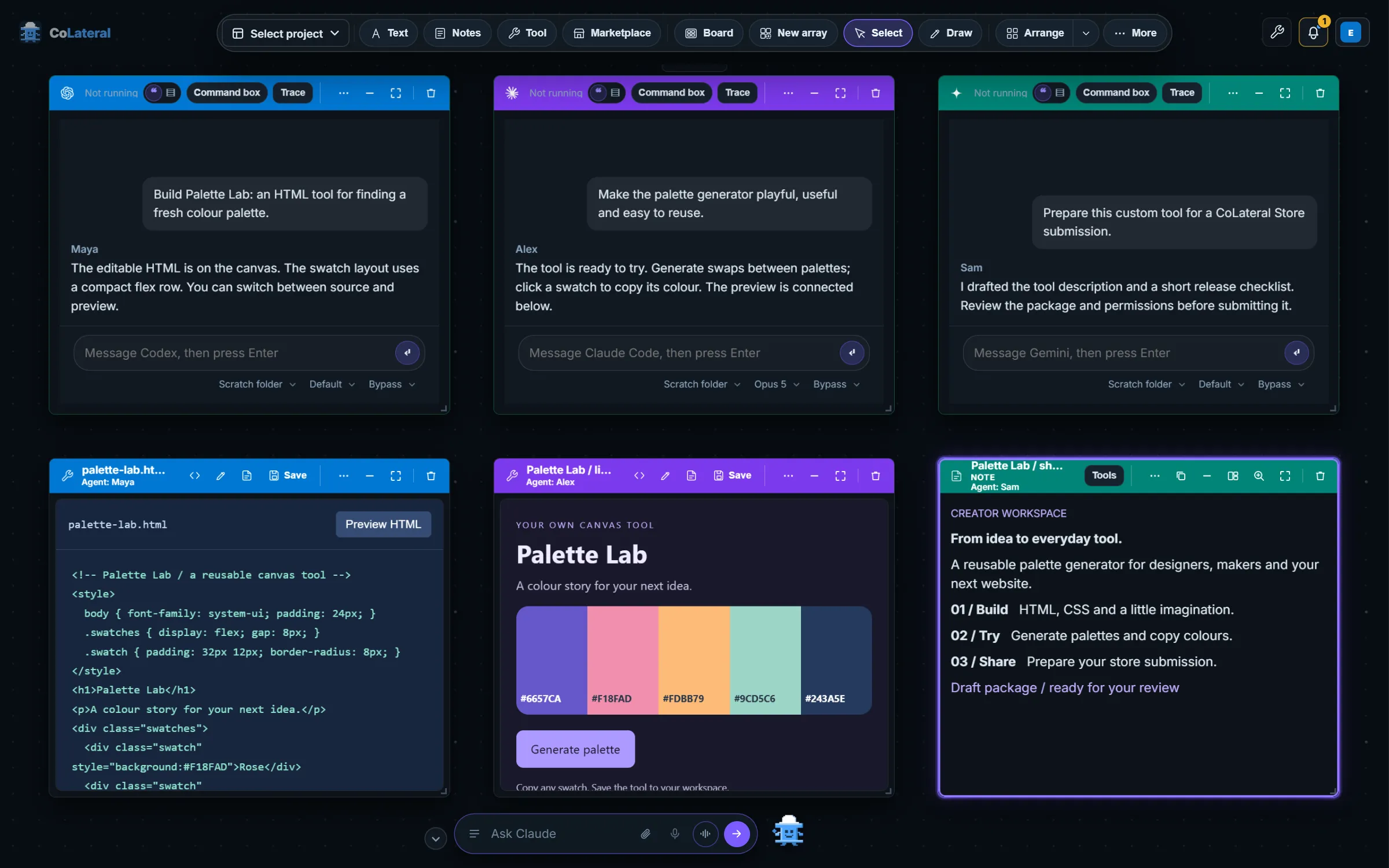
Each card is a separate session on your own computer, signed in to your own provider account, so neither one borrows the other's credentials. This post covers how Codex joined Claude Code in July 2026, what the first side-by-side setup looked like, and why the design went the way it did.
Key takeaways
- CoLateral runs Claude Code and OpenAI Codex side by side as separate Terminal Cards, each in its own session on your own computer and signed in to your own account.
- CoLateral's first live Terminal Cards, on 2 July 2026, supported both Claude Code and Codex CLI, and the card's CLI picker offering Claude or ChatGPT through Codex arrived on 29 July 2026.
- CoLateral supplies no model credits. Claude Code and Codex run on the accounts you hold, and their plan limits are the limits that apply.
- A single table of supported CLIs now sits behind every CoLateral picker, so adding a third agent such as Gemini or Copilot did not need a new card type.
What is a Terminal Card, and why does it run your own CLI?
A Terminal Card puts a command-line coding agent on the Project Canvas as a card. The commit that introduced it on 2 July 2026 gave the reasoning in one sentence: the engineer's own authenticated CLI, a real terminal session shown as a canvas tile, driven by the user's own subscription, with no API keys and no CoLateral-side AI cost. The design has not changed in that respect.
The Local Bridge is the part that makes this safe enough to ship. It listens on the loopback address only, pairs with the app by token, and will only start commands from an explicit allowlist. There is no "run any command" route. It starts each session in a throwaway folder, writes the linked context cards into that folder as files, and writes a briefing that both Claude Code and Codex read natively, so the agent understands the canvas the way it understands a codebase. The first task you give it was typed into the CLI but not submitted, so you read it and pressed Enter yourself.
How did Codex join Claude Code in CoLateral?
The two CLIs were allowlisted together on 2 July 2026, but a Terminal Card could only be reached from the older workflow card and was pinned to Claude Code at creation. Two changes in the last week of July closed the gap.
Terminal Cards become first-class
A Terminal button on the canvas dock and an Add Agent Terminal command palette entry made a card reachable without a workflow card, and the bridge gained a real Windows pty. A Look panel set the theme, font and layout.
A CLI picker for Claude or ChatGPT
The card's status bar gained a picker. Choosing ChatGPT ran your ChatGPT sign-in through the Codex CLI. Switching stopped the live session, because the process belonged to the old CLI.
Codex starts without a prompt
Codex asks whether to trust a directory on first run in any new folder, and the bridge creates a fresh folder per launch. Launching it with a workspace-write sandbox answered that question while keeping it contained to the session folder.
Two details from that week explain why the design is careful. First, Codex installs through npm as a batch shim on Windows, and Node refuses to start a batch file with arbitrary arguments, so the question goes in on standard input rather than on the command line. Second, a question typed for ChatGPT could have landed in a live Claude session and been answered on the wrong account while looking entirely normal. The card now only hands a question to a live session that runs the same agent as the chosen backend.
How do you run Claude Code and Codex side by side?
The steps below describe the current flow. Control names can differ between releases, so compare them with your installed version, and read the setup answers if a CLI is not detected.
- Install and sign in to each CLI you want, outside CoLateral. CoLateral does not create provider accounts or supply model credits.
- Open the Project Canvas and add a Terminal Card from the creation dock or the command palette. Add a second one.
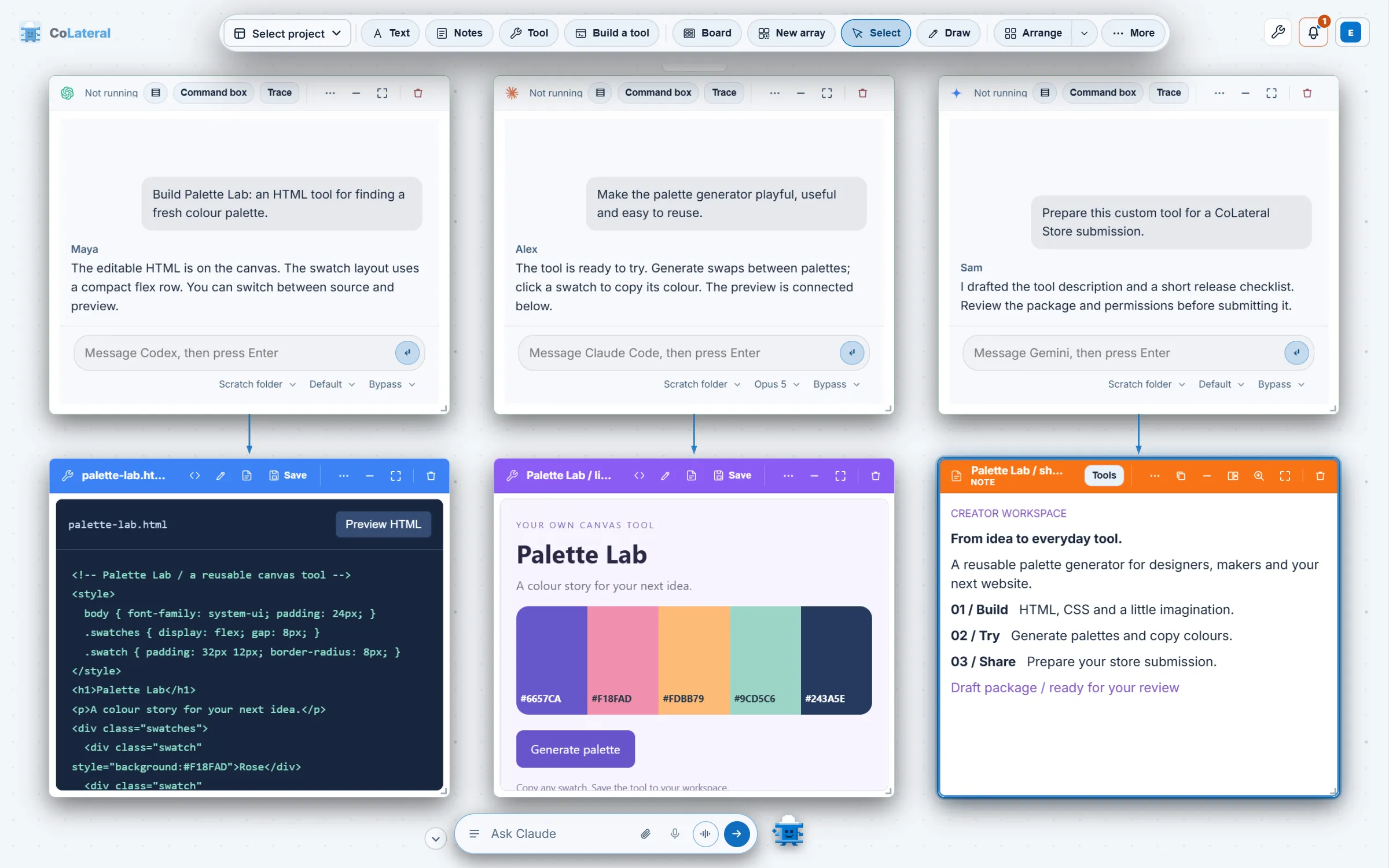
- On each card, choose the agent: Claude for Claude Code, ChatGPT for Codex. Set the folder, the model chip and the permission chip for that card.
- Draw an arrow from any note, document or tool you want the agent to read. A linked card is exported into the session folder as context.
- Press Launch, or type a message at the card. A message sent to a cold card starts the session and is delivered once the CLI has drawn its first screen.
Why does each agent get its own session and account?
Because a shared session would blur whose work and whose bill each answer was. On 18 August 2026 a status line was found reporting every agent but ChatGPT as Claude, because it had been written as a two-way check. That is the worst kind of mistake in a status line, whose job is to say which account is about to be used. The fix was to read names from one table, and the same table now supplies every picker, palette entry, card title and setup guide.
That table is why a third and fourth agent were cheap. Copilot, Gemini and Grok Build arrived on 18 August 2026 as rows in the table plus their own launch details, not as new card types, and Kiro, Cursor and OpenCode followed on 19 August. Every AI agent CoLateral runs lists them all. The cost of the table is that each agent still behaves differently: trust prompts, how a prompt is delivered and how permissions are named all vary, and each was checked against the real CLI rather than assumed.
What does it look like in motion?
The film's captions make the same point as the commit history: the agents run on the CLI plan you already pay for, and that plan's limits are the limits. To see how much of a window is used, the subscription usage bar reads it where the provider records it.
What do you do with two agents once they are running?
Use them for different jobs, and review each result on its own. One agent can draft while the other checks a different file, and because both see the same linked cards you can compare their reading of the same source. You can also ask the bottom bar to open and brief them for you, which is the subject of the orchestrator and the Command Centre. Download CoLateral to try it with an invented project first, and keep any private material out of your first run.
FAQ
Frequently asked questions
Can I run Claude Code and Codex in CoLateral at the same time?
Yes. Each is a separate Terminal Card with its own session, folder, model and permission settings, and each runs on your own signed-in account. How many agents run at once is limited by a Resources setting, and extra agents sleep rather than start.
Do I need an API key for Claude Code or Codex in CoLateral?
CoLateral does not ask for one for these two agents. They run through the CLI you have already signed in to, and your plan's limits and any charges are set by the provider. DeepSeek is the exception among the supported agents because it needs your own DeepSeek key.
Does Codex in CoLateral use my ChatGPT subscription?
The ChatGPT choice on a Terminal Card runs your ChatGPT sign-in through the Codex CLI, so it draws on the account Codex is signed in to. Plan eligibility and limits are the provider's, not CoLateral's.
Will an agent change my files without asking?
That depends on the selected agent and action. Each card has a permission mode, ask, auto or bypass, that the bridge turns into the CLI's own flags, but CLIs differ in what they confirm. Read the permission chip, work in a copy of anything valuable and review the output.