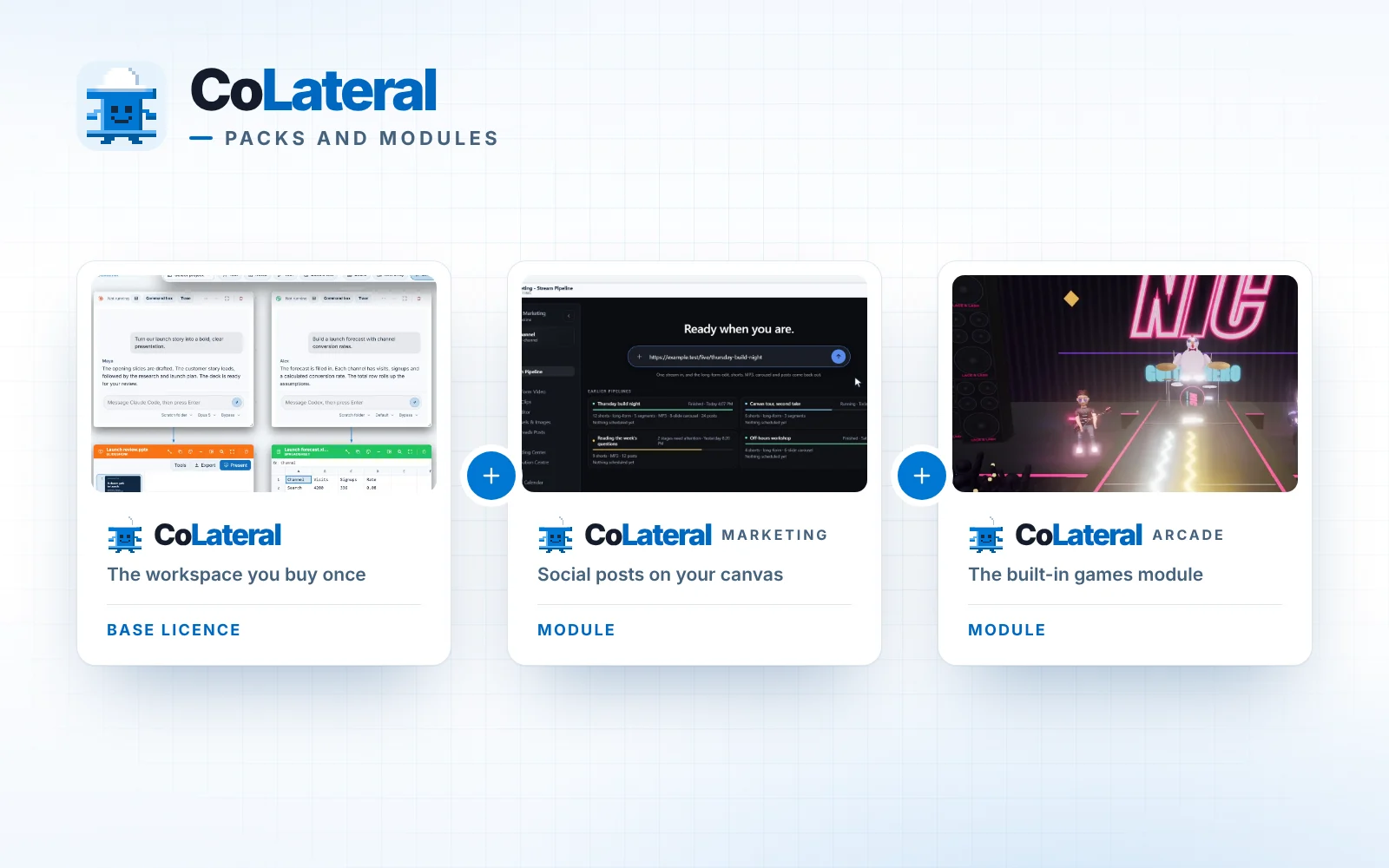
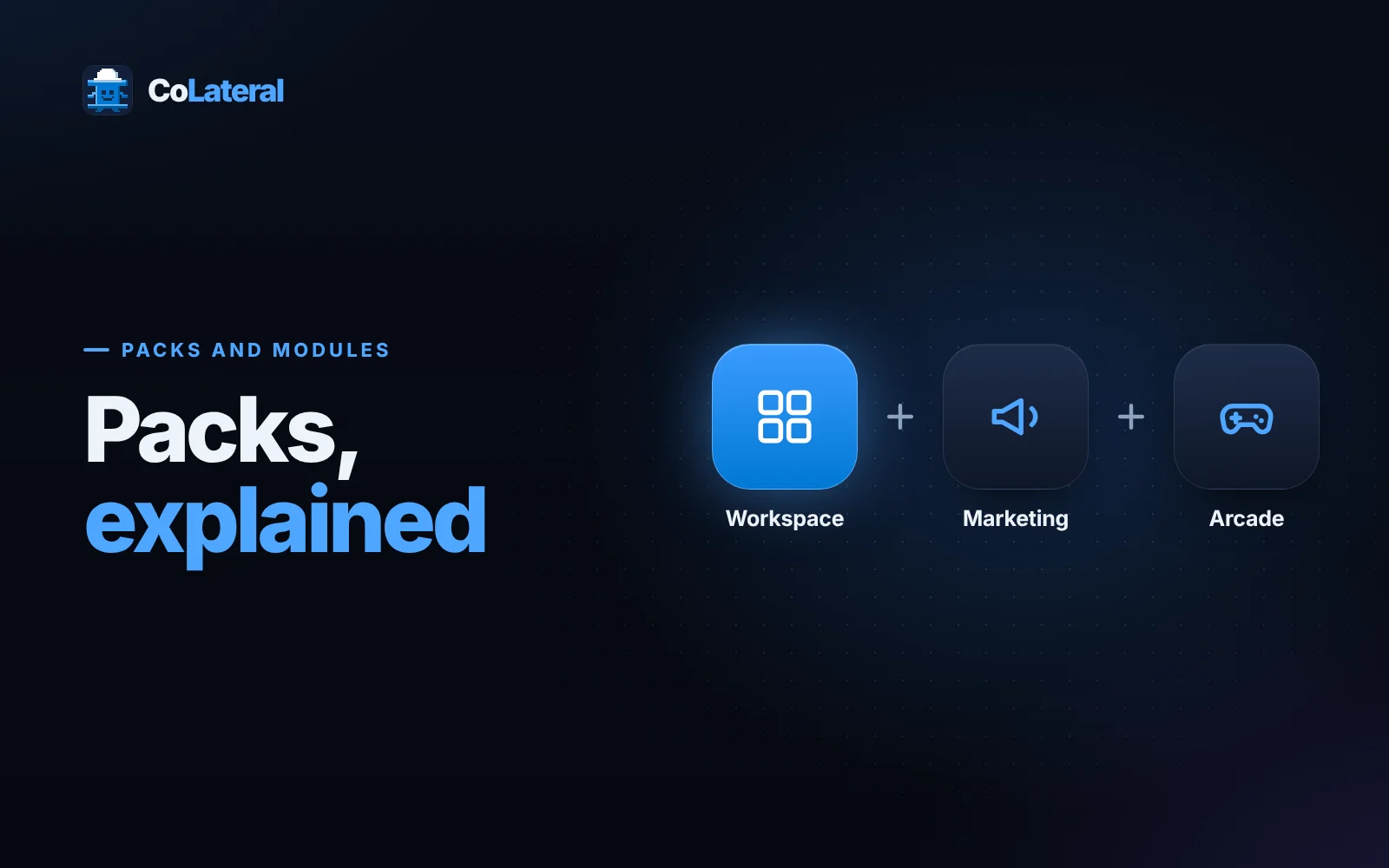
The workspace itself is discipline-neutral and complete without any pack, so a pack never replaces it. It only saves you the effort of describing a workflow that someone has already made.
Key takeaways
- A CoLateral expansion pack is one discipline's work already built, layered on a CoLateral licence that is already bought. The store and the app call the same thing a module.
- The CoLateral workspace (the Project Canvas, agents, terminals, sheets, notes and the ability to build a tool by describing it) is complete without any pack.
- CoLateral Marketing is the first-party pack for planning, publishing and measuring social media posts from a card on the canvas, billed monthly on top of the licence.
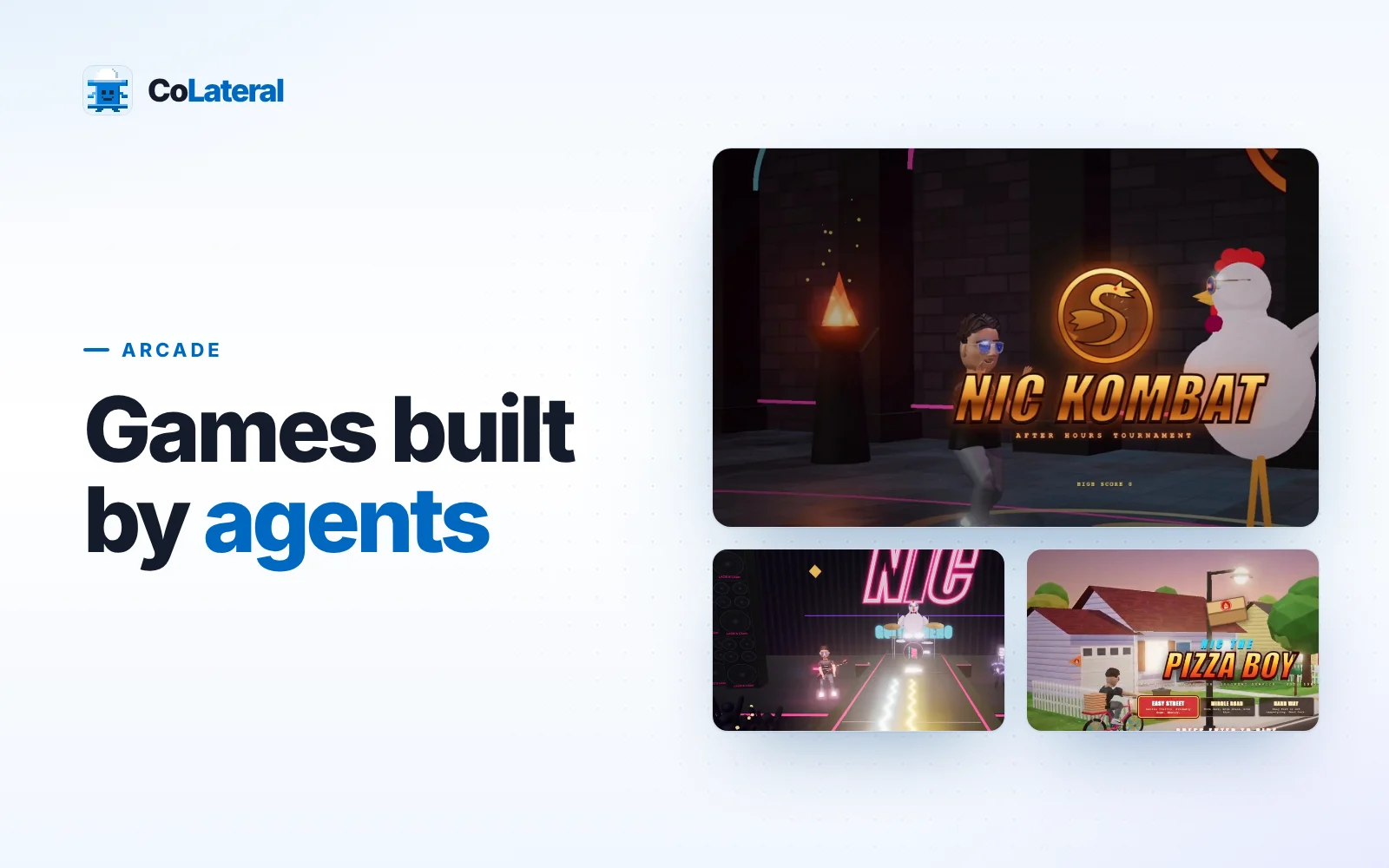
- CoLateral Arcade is a built-in games module that starts enabled and is switched on or off in Settings, separately from every pack.
- The CoLateral store calls these add-ons modules, and creators can submit their own modules for review.
What is a CoLateral expansion pack?
The idea is a split. CoLateral began as a shelf of browser tools and became a discipline-neutral workspace, and it gives you a canvas, AI agents, terminals, spreadsheets, notes and the ability to describe a tool and have an agent build it. A pack is somebody having already done that describing for a particular kind of work, so the result arrives as a card you can open. If you are new to the product, introducing the CoLateral blog explains what the canvas is.
A pack is one discipline's work on top of the seat you already bought.
What is the difference between the workspace and a pack?
We sell two separable things, and keeping them apart is the point of the whole design.
- The workspace (the seat) is the Project Canvas, agent cards, Terminal Cards, spreadsheets, notes, schedules, the Command Centre and the ability to build a tool by describing it. It is discipline-neutral. It is a one-time licence, and the core tools open on any licence.
- An expansion pack is one discipline's work already built. It attaches to a licence you hold and never creates one: a pack without a licence runs nothing.
That is why a pack is never required. Someone who writes software, someone who runs a design studio and someone who plans a launch all get the same complete workspace. A pack is a shortcut for a specific job, not a gate in front of the product. See pricing for the licence, why CoLateral is a one-time licence for the reasoning, and the store for the modules.
| Comparison | Workspace (the seat) | Expansion pack (module) |
|---|---|---|
| What it is | The complete, discipline-neutral CoLateral workspace | One discipline's prebuilt work added to the canvas |
| How it is bought | One-time licence | Added to a licence you hold; CoLateral Marketing is billed monthly |
| Works on its own | Yes | No, a pack without a licence runs nothing |
| Needed to use CoLateral | Yes | No |
Why do CoLateral expansion packs exist?
Because describing a tool is work, even when an agent does the building. The workspace lets you say what you want, an agent builds it into a card, and you refine it. That is powerful and it is general, and the cost of generality is that the first version of anything specific still has to be asked for. For a few kinds of work it is worth someone doing that asking once, carefully, and handing over the result. That result is a pack.
It also keeps the licence honest. If the workspace were sold in slices by discipline, every buyer would be paying for a canvas shaped around somebody else's job. Because the licence is neutral and complete, the question a pack answers is narrower and easier to judge: is this finished workflow worth having instead of building my own? For some people the answer is yes, and for plenty of others the licence alone is all they will ever want.
What does a CoLateral pack add to the canvas?
A pack contributes cards and capabilities, and nothing else changes around them. Depending on the pack, that can be tool cards that open on the canvas like any other, a capability built into the canvas, or a pane in Settings. CoLateral Marketing, for example, has no tool pages at all: it is one canvas capability, a card that frames the app. A pack that contains several tools shows up in the tool picker grouped under its name, which is how the picker has worked since 1.0.58.
How are CoLateral expansion packs kept safe?
A pack that comes from somebody else has to earn trust before it runs, so the pack format is built around that. The rules are the same for modules made by other people as for ours.
- Declared permissions. A pack states what it needs, such as file access, clipboard access, notifications or an AI provider, and gives a reason for each. The app can only grant what the pack declared, and you see the request before you add it.
- Signed artifacts. The desktop app verifies a pack's signature against keys built into the app and rebuilds its digest before running it, and the content security rules it runs under come from the signed manifest.
- Review before listing. A creator submits a module and follows it through review. Approval alone does not publish it or switch on sales.
- Revocation that fails closed. If the store revokes a pack, that pack stops opening on your machine even without a network connection. It is the one place in the product that is deliberately strict, because everywhere else a missing signal should not hide your work.
These checks apply to the pack specification and its marketplace. They are one reason the store lists the creator of each module and the permissions it requests on its page.
Which CoLateral packs and modules exist today?
This is how the store presents each one at the time of writing. The store is the authority on availability, so check it before you plan around a module.
| Module | What it adds | How the store presents it |
|---|---|---|
| CoLateral Marketing (pack id content-studio, also called the Social Media Pack) | One card on the canvas to plan, publish and measure social media posts | Available now, billed monthly on top of your licence |
| CoLateral Arcade | A 3D arcade of games inside CoLateral | Built-in games module, enabled by default, managed in Settings |
| Creator modules | Modules made and published by other people | Reviewed before listing, with purchase options shown only where a listing is configured for sale |
What is CoLateral Marketing?
CoLateral Marketing is the first-party pack for social content. Its store listing promises one queue for every account you publish to, a publishing pipeline that carries a post from draft to published, connected accounts held in one place, and analytics read back beside the post they belong to. It appears on the canvas as a card, opened from a button in the top-right group, and the card frames the CoLateral Marketing app running on your own machine rather than a service we host.
It arrived in the desktop app as the Social Media Pack in version 1.0.26 on 2026-08-26, and the name CoLateral Marketing was applied consistently across the app and the films in 1.0.67. Its first pack manifest is dated 2026-08-31. A fuller walk-through of the social media scheduling pack is in CoLateral Marketing: scheduling and publishing from the canvas, and the full list of releases is in the 2026 release notes.
What is CoLateral Arcade?
CoLateral Arcade is the built-in games module: a 3D arcade you walk through, cabinet by cabinet, with its own button on the canvas. It starts enabled and runs offline on your machine. Switching it off in Settings hides its controls and existing Arcade cards without deleting your saved cards or game progress, and switching it back on restores them. The module was added on 2026-09-26 and is covered in the CoLateral Arcade games module post.
Can other people make CoLateral modules?
Yes, there is a path for it. The pack store arrived in the desktop app in version 1.0.34 on 2026-08-31, and in 1.0.58 creators gained the ability to submit a module that contains several tools and follow it through review. The store has a "Become a module creator" route, a section for reviewed community modules, and creator pages that list everything one person publishes. Each listing names its creator and the permissions it requests, and a module only shows purchase options when the listing is configured for sale. Browse the store for what is listed now.
How have CoLateral expansion packs developed in 2026?
The Social Media Pack arrives
CoLateral 1.0.26 added the Social Media Pack, with the marketing app running in a card on the canvas.
The pack store arrives
CoLateral 1.0.34 added the store: browse modules made by creators, buy one on the licence you already hold, and open its tools on the canvas. Creators could sign up and submit a pack from the app.
Every pack in one place
CoLateral 1.0.49 made the Packages pane in Account and Settings list every pack, with the in-app store leading with CoLateral's own modules.
Packs in the tool picker
CoLateral 1.0.58 grouped the tool picker by installed pack and let creators submit a module containing several tools.
Cards follow their pack
CoLateral 1.0.61 made an open pack card stop showing its page, and say why, as soon as the pack is switched off, revoked or uninstalled.
CoLateral Arcade
The built-in games module was added beside the CoLateral Marketing button.
Each release is written up in the 2026 release notes.
How does buying a CoLateral expansion pack work?
- Own a licence first. The licence is a one-time purchase that gives you the complete workspace. See pricing for current terms and download for the installers.
- Pick a module in the store. Each module page says what is included, what permissions it asks for and how it is billed.
- Add it to the licence you hold. A pack attaches to your existing licence. If you buy one after activating, the running copy picks it up without waiting for the next launch.
- Manage it in Settings. The Packages pane lists every pack and lets you switch one on or off. CoLateral Arcade has its own switch.
A pack is billed separately from the licence. Cancelling a pack removes only the pack and leaves your licence alone, and the licence stays complete without it. The app shows a pack as included only when your signed licence carries it. We deliberately put no prices in this post, because they change: pricing and the module pages on the store are always current.
Do you need a pack to use CoLateral?
No. Agents, terminals, spreadsheets, documents, slideshows, notes, the Command Centre, the Browser Card and tool building are all part of the workspace. The core tools, including the Math Engine, open on any licence. Packs matter when you want a finished workflow for one kind of work and would rather open it than describe it. The FAQ answers common buying questions at the FAQ.
FAQ
Frequently asked questions
What is a CoLateral expansion pack?
A CoLateral expansion pack is an optional add-on that brings one discipline's prebuilt work onto the Project Canvas, layered on a licence you already own. The store and the app call the same thing a module.
Do I need an expansion pack to use CoLateral?
No. CoLateral works fully without one, because the workspace is complete without any pack. Agents, terminals, spreadsheets, documents, notes and tool building are part of the licence, and a pack only adds a ready-made workflow for one kind of work.
Which CoLateral modules can I use today?
CoLateral Marketing is listed in the store as available now, billed monthly on top of your licence. CoLateral Arcade is a built-in games module that starts enabled and is managed in Settings. Reviewed creator modules appear in the store as they are listed.
How do I add a CoLateral expansion pack to my licence?
Open the module in the store, check what it includes and which permissions it asks for, and add it to the licence you hold. If you add one after activating, the running copy picks it up without waiting for the next launch. Current terms are on the pricing page.
Are CoLateral expansion packs a subscription?
The licence is a one-time purchase, and a pack is billed separately from it. CoLateral Marketing is billed monthly on top of the licence, and each module page in the store says how that module is billed.
Can I cancel a pack without losing CoLateral?
Yes. A pack is billed separately from the licence, and cancelling it removes only the pack. Your licence and the complete workspace stay as they were.
Can I publish my own CoLateral module?
Yes. You can turn a tool you built in CoLateral into a module, submit it for review from the desktop app and follow it through review. Start from the "Become a module creator" link in the store.