Cloud agent cards arrived on 1 October 2026. The work runs on the provider's servers and on your own accounts, CoLateral supplies no model credits, and your credentials stay on your machine. Below: what each path does, where it stops, and why an accepted task is not a finished one.
Key takeaways
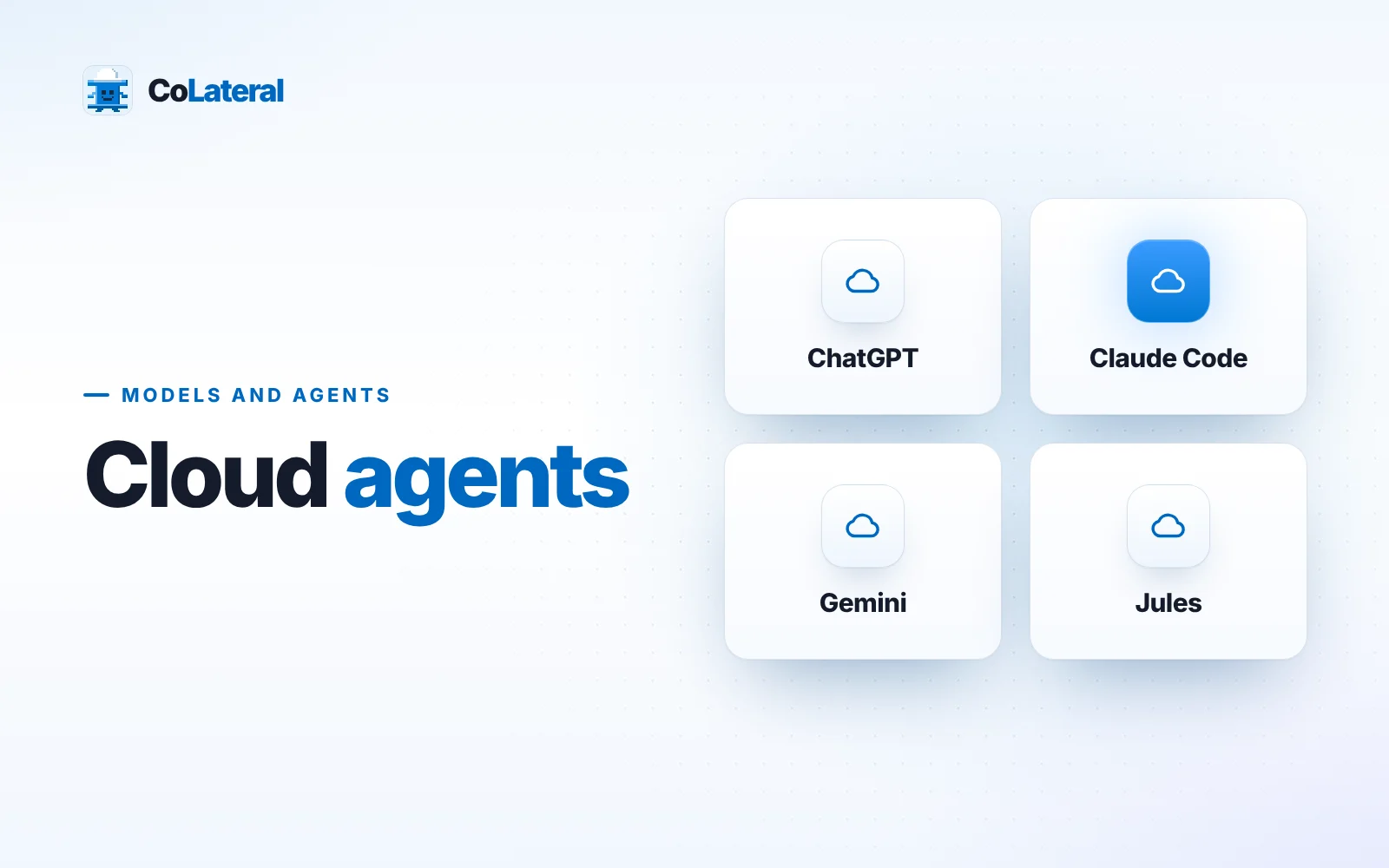
- CoLateral added cloud AI agent cards for ChatGPT Workspace Agents and Claude Code routines, and cloud workflows for Gemini Deep Research and Jules, from 1 October 2026.
- To run ChatGPT or Claude Code in the cloud without an API token, CoLateral's default cloud path opens the provider's full app, such as chatgpt.com or claude.ai/code, in a private Browser Card where you sign in yourself.
- CoLateral's optional API workflows launch hosted tasks through a local relay that keeps your credentials on your computer. An accepted task is not a finished task, and the provider's own transcript remains the record.
- Cloud agents opened in CoLateral cannot reach your local canvas tools. The integration does not expose the local canvas MCP server to them.
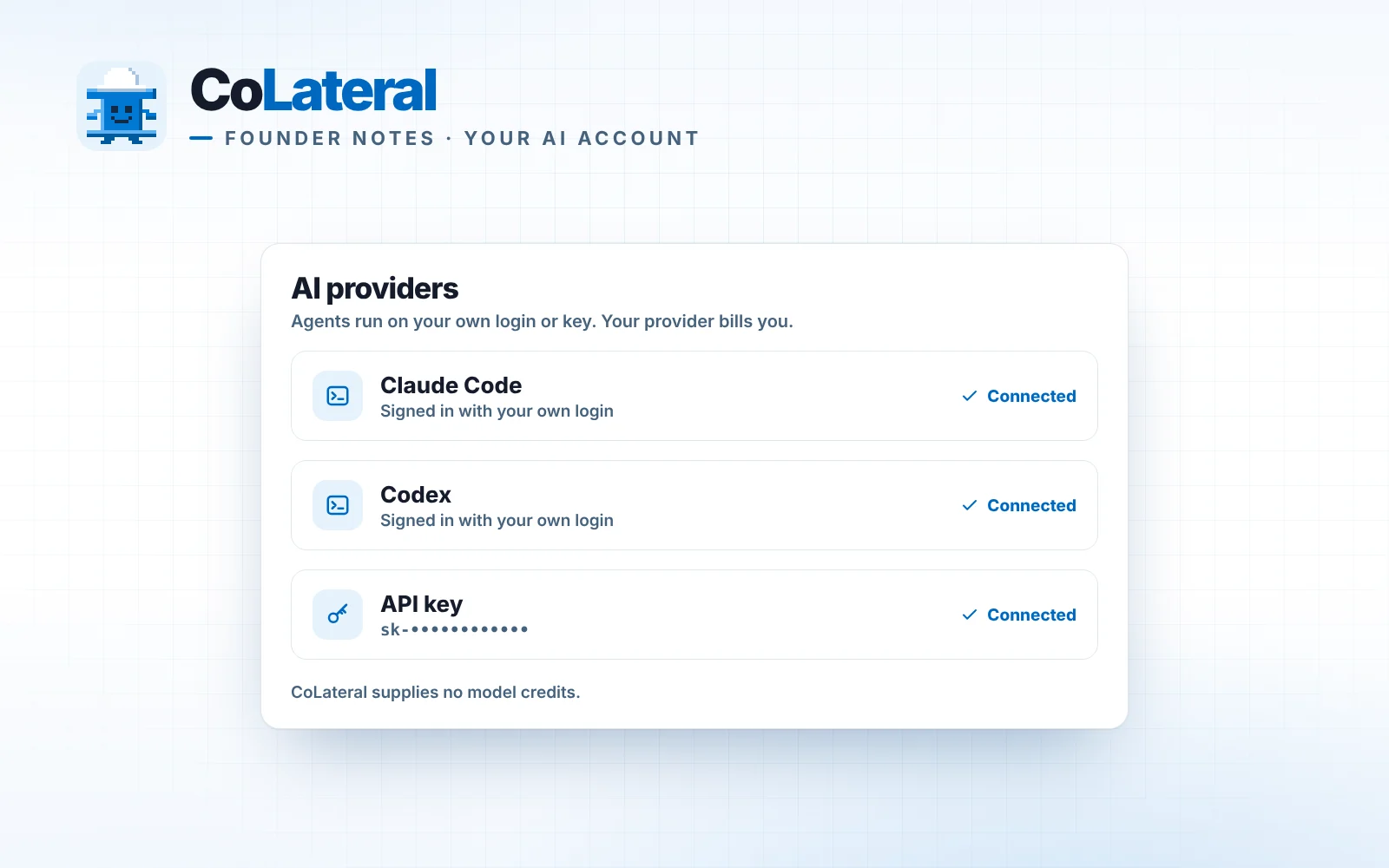
- CoLateral supplies no model credits and does not host the inference, so a provider's subscription, API charges and usage limits stay separate from the CoLateral licence.
What are cloud AI agents in CoLateral?
A cloud agent in CoLateral is a hosted AI agent whose work runs on the provider's servers, under the provider's plan, tools and approvals. Until October 2026 every agent CoLateral ran was a local command-line tool in a Terminal Card. CoLateral's job now is to give hosted agents a place on the same canvas as your files and local agents, and to stay honest about what has and has not happened.
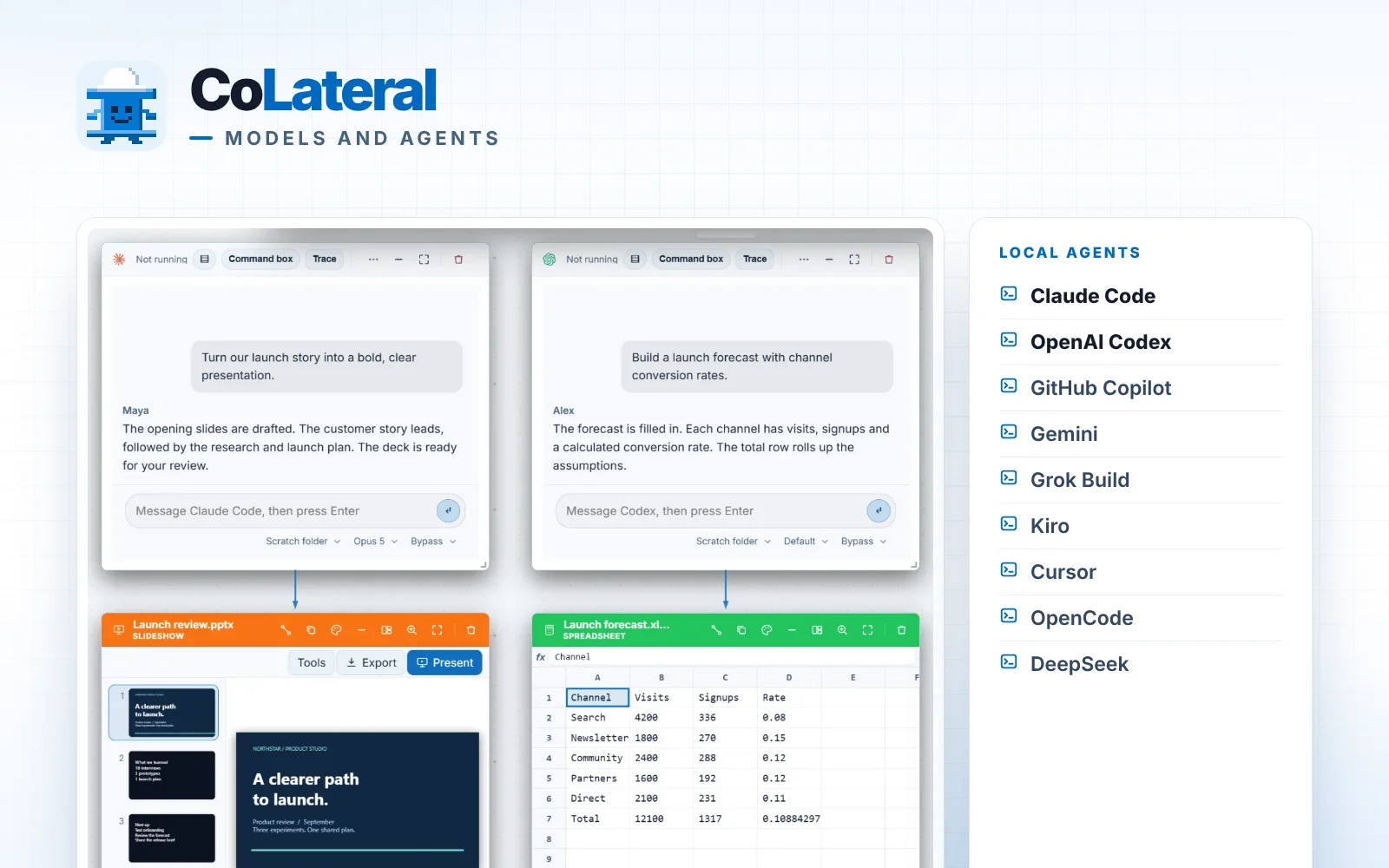
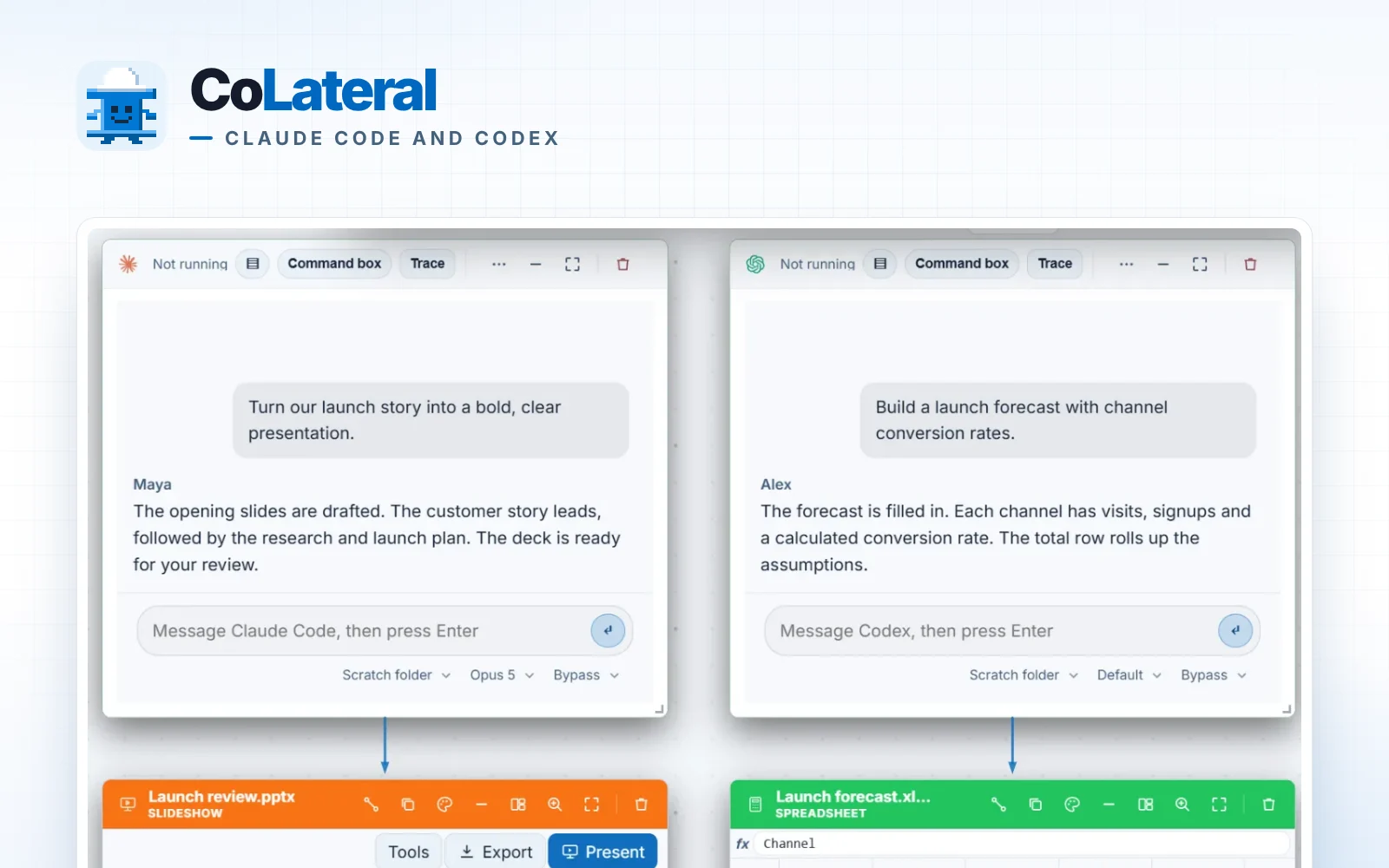
For the local half of the story, see the AI coding agents CoLateral runs and running Claude Code and Codex side by side.
What arrived in the first week of October 2026?
Native ChatGPT and Claude cloud agent cards
Cards for ChatGPT Workspace Agents and for Claude Code routines, the two native subscription cloud agents.
Gemini and Jules cloud workflows
Gemini Deep Research and Jules, added with safe action recovery so a lost response is never silently resent.
Full provider apps on the canvas
The default Agent, Cloud choice became the provider's full app in a Browser Card, with the API workflows kept as an optional second path.
Drafts, continuation and action recovery
Saved cards now keep draft prompts and run references, and a conversation can continue after a card is restored.
Multiple app accounts
More than one account for the same provider app, each on its own card, with a switch-account control.
How do you run ChatGPT or Claude Code in the cloud without an API token?
Choose Agent, then Cloud. No API token or published routine is needed: the default opens the provider's full app, chatgpt.com for ChatGPT and claude.ai/code for Claude Code, in a private Browser Card. You sign in directly in that card and handle multi-factor prompts and site protections yourself, and the provider's own conversation, tools, approvals and account limits apply.
The Browser Card still needs the local browser service, and if that service is unavailable the card shows a recovery message rather than implying the provider opened. Profiles belong to the Browser Card and stay separate from your personal Chrome. Restoring a saved card does not submit a task. Cloud providers do not gain access to local canvas tools just because their website is open on the canvas.
The catalogue also includes Claude Chat, Gemini, Grok, Microsoft Copilot, Perplexity, DeepSeek and Jules, and an Another AI website entry that accepts an explicitly entered HTTPS address with no embedded credentials. These open the provider's full app. They are websites in a card, not extra API adapters or local CLI agents.
How do the optional cloud agent API workflows work?
Each API workflow has its own controller card: you connect a provider once through the card's optional setup form, and sending then launches a provider-hosted task. Each provider needs its own kind of credential, and they are not interchangeable.
| Provider | What it runs | What you set up | What the card can do |
|---|---|---|---|
| ChatGPT Workspace Agents | A published Workspace Agent with an API trigger channel | A Workspace Agent access token and the channel identifier, which are distinct from OpenAI Platform API keys | Launch a task, refresh its status and continue a conversation that kept a conversation key |
| Claude Code routines | A routine with an API trigger | A per-routine bearer token and the routine identifier | Launch a new routine session on each send and link to the hosted session |
| Gemini Deep Research | Hosted research through the Interactions API | A Gemini API key with API billing enabled, which is separate from a Gemini app subscription | Run in the background, poll status, retrieve the report and cancel supported active runs |
| Jules | Hosted coding sessions | A Jules API key and the repositories you connect | Select a repository and branch per session, show activity, approve a plan and send follow-ups, with no cancellation |
Credentials are stored by the local bridge in an owner-only secrets directory, never in the canvas document, and a token is never returned to the interface after you enter it. The store refuses to fall back to an inherited secret if a stored configuration is damaged. Owner-only storage protects against other ordinary accounts on the machine. It is not encryption and it does not protect against the same user or an administrator.
Does an accepted cloud agent task mean a finished task?
No, and CoLateral will not pretend otherwise, because the providers' interfaces differ. Claude's routine endpoint returns a hosted session link without streaming output, and its trigger token has no read access, so the transcript stays in the provider's own interface. Stopping the local relay or deleting a credential does not prove that an already-launched cloud run stopped. Cancellation is offered only where a provider documents a supported way to do it: Gemini research can be cancelled, Jules cannot through this integration.
Failure handling follows the same principle. Local validation and pairing failures happen before submission, keep your draft and say the task was not sent. Once a request has reached the network, an unreadable response stays uncertain and is never automatically resent. The bridge records an operation identifier so repeating the same operation does not issue another provider action, and an unknown outcome is kept for you to review. Jules plan approval always needs your explicit action.
How do cloud agents differ from local coding agents?
A cloud agent runs on the provider's servers and cannot see your canvas, while a local agent is a process on your computer that can read the cards you link to it. The differences are below.
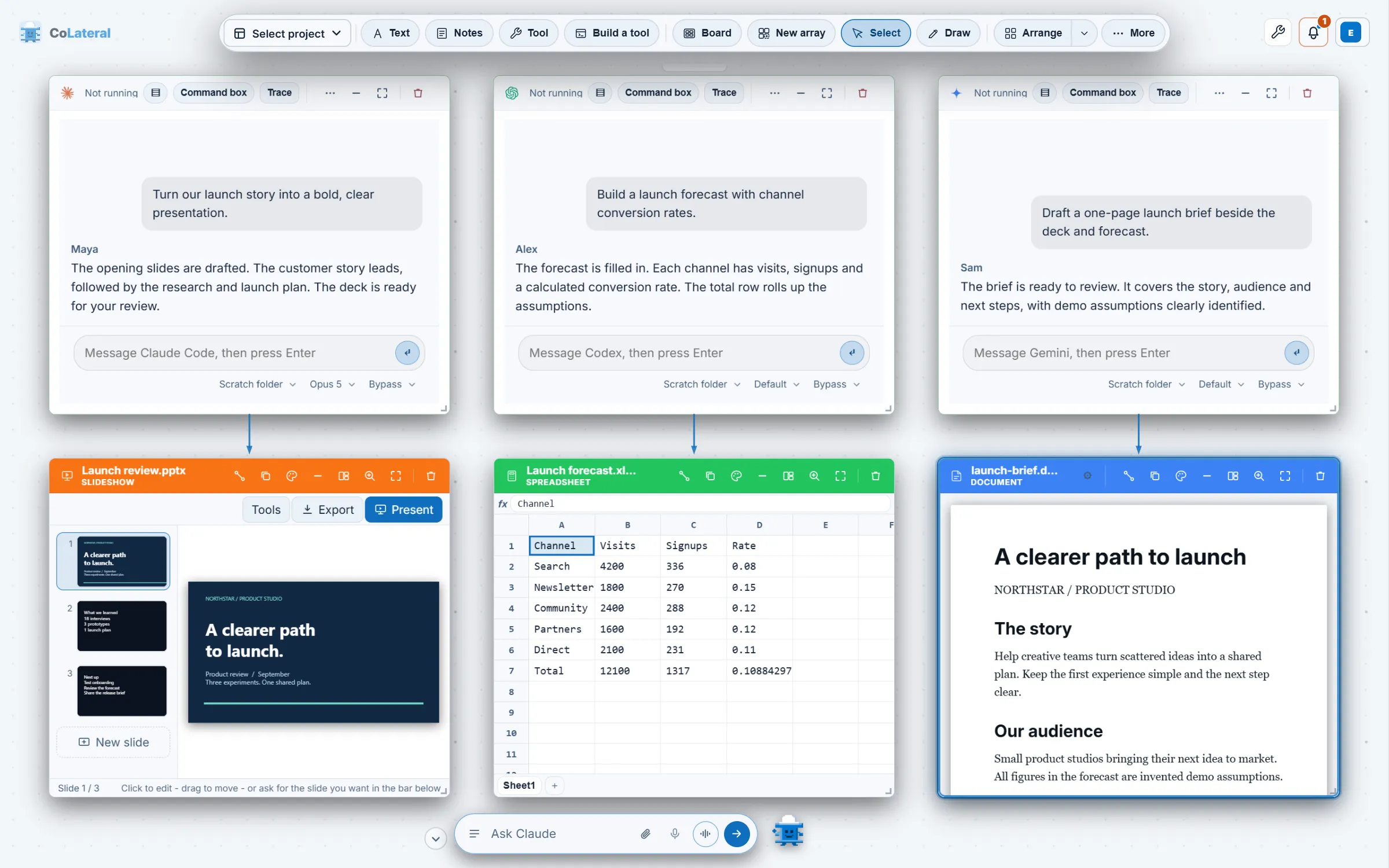
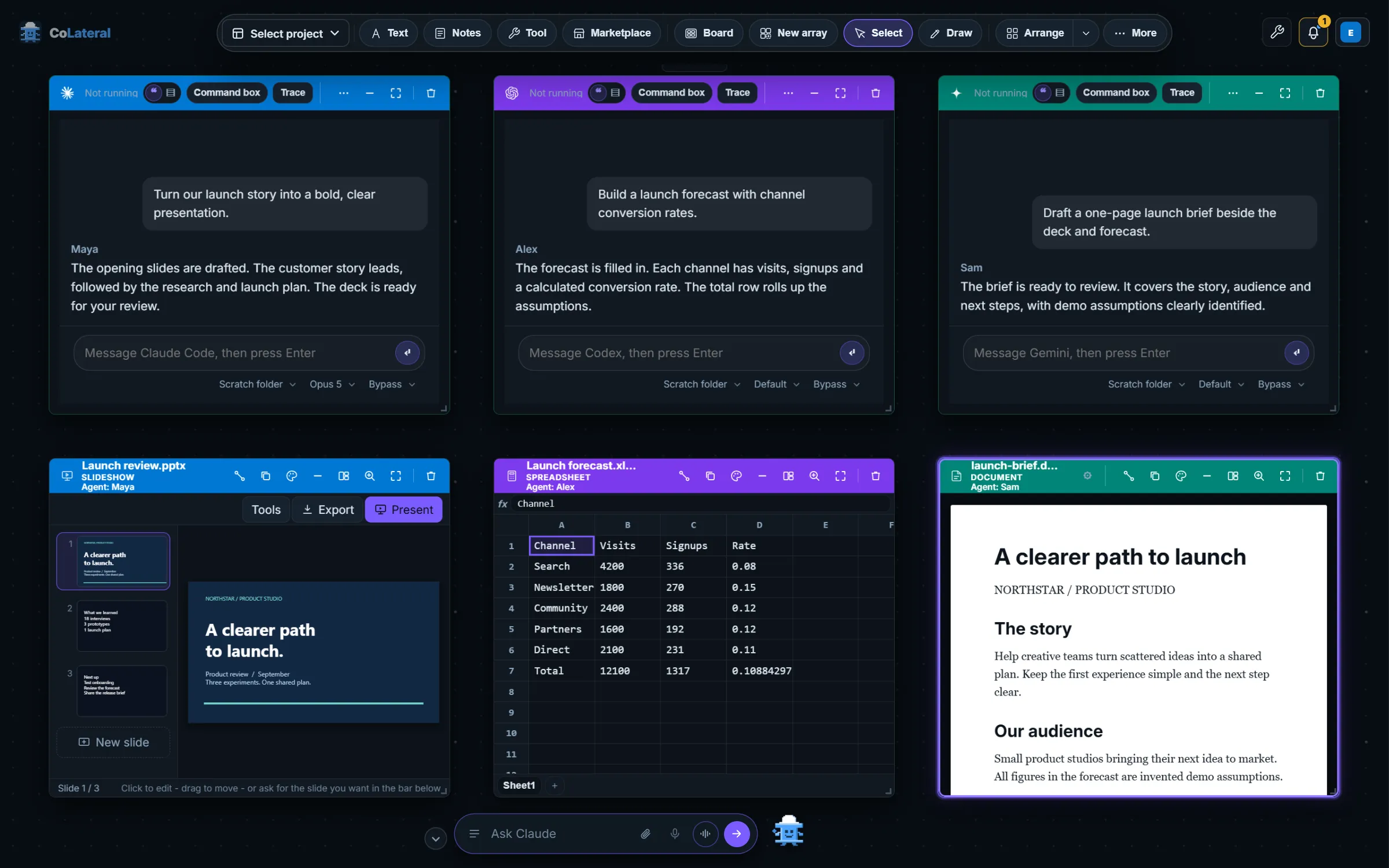
- A local agent, such as Claude Code or Codex in a Terminal Card (see running them side by side), is a process on your computer, started through the Local Bridge, and it can read the cards you link to it. A cloud agent runs remotely and does not see your canvas.
- A local agent's prompts and the material it reads go to its model provider. A cloud agent's prompts and execution go to the provider's hosted agent. Neither is local inference.
- Local agents appear in the Command Centre rail and can be managed by the orchestrator. Native cloud conversations stay in their own Browser Cards and are not copied into CoLateral's saved API results.
- Switching a cloud app account does not change local terminal accounts, API workflow configuration or the usage bar. See how the orchestrator manages local agents and why CoLateral uses your own AI account.
Can you keep more than one cloud account?
Yes. Under Cloud, then Full apps, then Accounts and subscriptions, you can list the AI Browser Cards on the current canvas, search and reopen them, and add an account. Each new account is a separate card with its own browser profile, keyed by project and card, and each card has a Switch account control. Labels such as a plan name are descriptions you type. They are not verified identities, entitlements or usage readings, and sign-in cookies are not exported with a labelled card.
What do you need to run cloud AI agents in CoLateral?
Your own accounts and tokens. CoLateral supplies no model credits and does not host the inference, and a provider's subscription, API charges and usage limits are separate from the CoLateral licence (see pricing). Get the desktop app from the download page, start with an invented project, read the setup answers if you get stuck, and check the provider's current terms before you connect a paid account.
FAQ
Frequently asked questions
Can I run ChatGPT and Claude Code in the cloud from CoLateral?
Yes. CoLateral opens the provider's own app in a private Browser Card, and it can also launch hosted tasks through optional API workflows. Either way the agent runs on the provider's servers under your own account, never on CoLateral's.
Do I need an API key to use cloud agents in CoLateral?
Not for the default path. The full provider apps need only your own sign-in, handled by you in the card. The optional API workflows need each provider's own token or key, and those credentials are distinct from one another.
Can a cloud agent edit my canvas or my local files?
No. Opening a provider's website on the canvas gives it no access to local canvas tools, and the integration does not expose the local canvas MCP server to cloud agents. Local agents in Terminal Cards are the ones that read your linked cards.
Can I cancel a cloud task from CoLateral?
Only where the provider documents it. Gemini Deep Research supports cancelling an active run. Jules cancellation is not supported by this integration, and Claude routines are fire-only, so you review or stop those in the provider's own interface.
Does Jules work on my repository directly?
Jules runs hosted coding sessions against repositories you connect to your own Jules account. You choose the repository and starting branch per session, and plan approval always needs your explicit action in the card.
Does CoLateral include AI credits for cloud agents?
No. CoLateral supplies no model credits and does not host the inference. Cloud agents run under your own provider account, and that provider's subscription, API charges and usage limits apply separately from the CoLateral licence.
Where does CoLateral store my cloud agent tokens?
The local bridge stores them in an owner-only secrets directory on your computer, never in the canvas document, and a token is not returned to the interface after you enter it. Owner-only storage is not encryption, so it does not protect against the same user or an administrator.