Cursor is a code editor with AI built in, sold as a monthly plan that includes model usage. CoLateral is a desktop canvas where Claude Code, Codex, Gemini and other coding CLIs run side by side on your own subscriptions, bought once.
The short answer
Pick Cursor if you want one AI-first code editor where you write, read and refactor code all day, with tab completion, an agent inside the editor and model usage included in the subscription. Pick CoLateral if you already pay for Claude Code, Codex or Gemini, you run more than one of them, and you want them side by side on one canvas instead of spread across terminal windows, without adding another monthly AI bill.
Many developers will use both. CoLateral is not a code editor and does not try to replace one. It sits beside your editor as the place where your agents run, and where the notes, documents and sheets around a task live.
What Cursor is
Cursor describes itself as an AI code editor. It began as a fork of VS Code, so most VS Code shortcuts, themes and extensions carry over. Its desktop app is available for macOS, Windows and Linux, and Cursor also ships a command-line agent and cloud agents that run in Cursor-hosted machines.
As of October 2026, Cursor's pricing and plans help page lists a free Hobby plan with limited usage, Pro at $20 a month, Pro+ at $60 a month and Ultra at $200 a month, plus team and enterprise plans. Paid plans include a monthly amount of model usage, and on-demand usage after that is billed in arrears. Cursor also lets individual users add their own API keys for supported providers, in which case the provider bills the model cost.
The important point for a comparison is that Cursor is a subscription that bundles the editor and the AI usage. You pay Cursor every month, and Cursor routes your requests to the models.
What CoLateral is
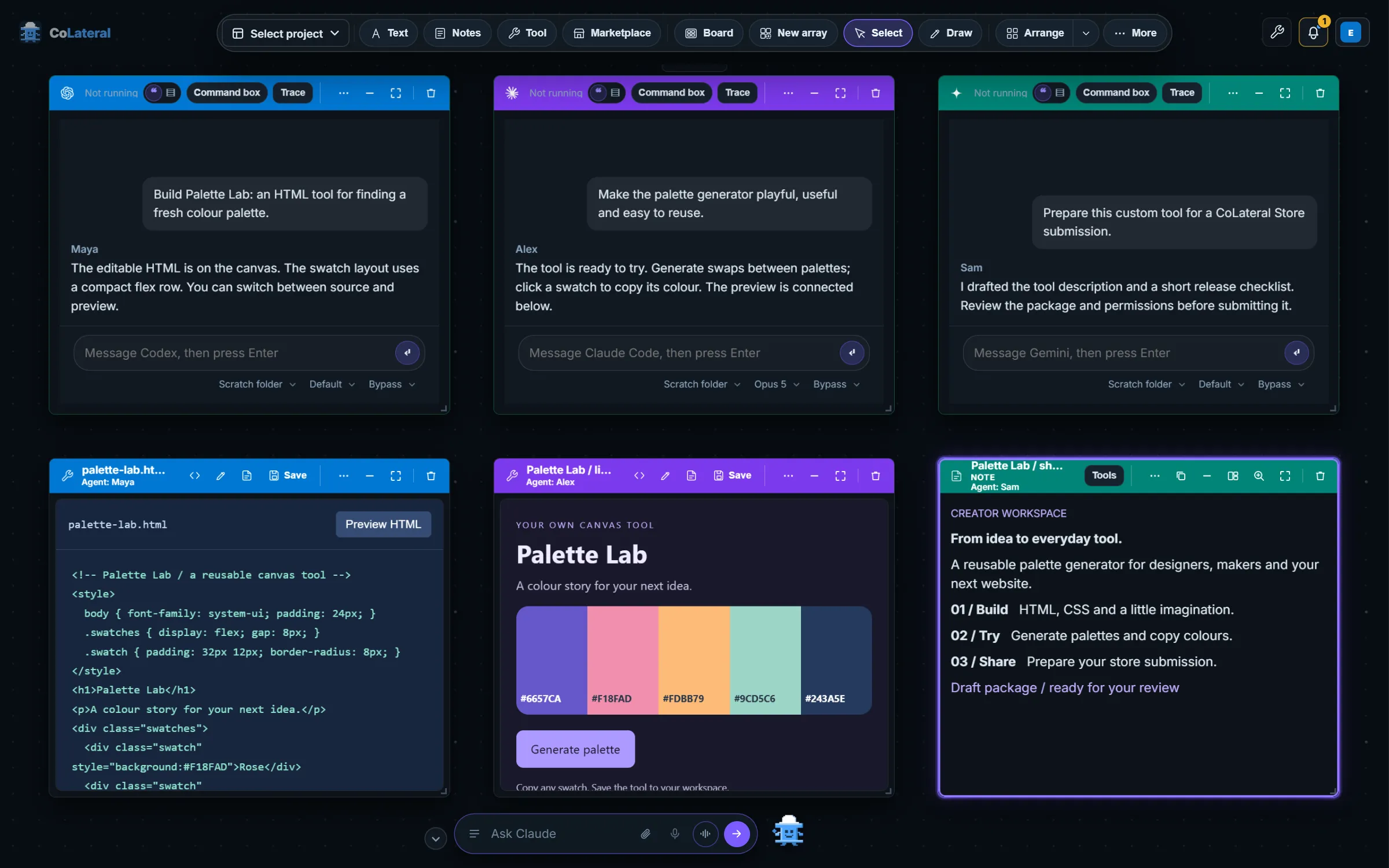
CoLateral is a desktop app for Windows, macOS and Linux built around one infinite canvas per project. On that canvas you place cards: notes, sheets, documents, to-do lists, tools you build by describing them, and agent cards.
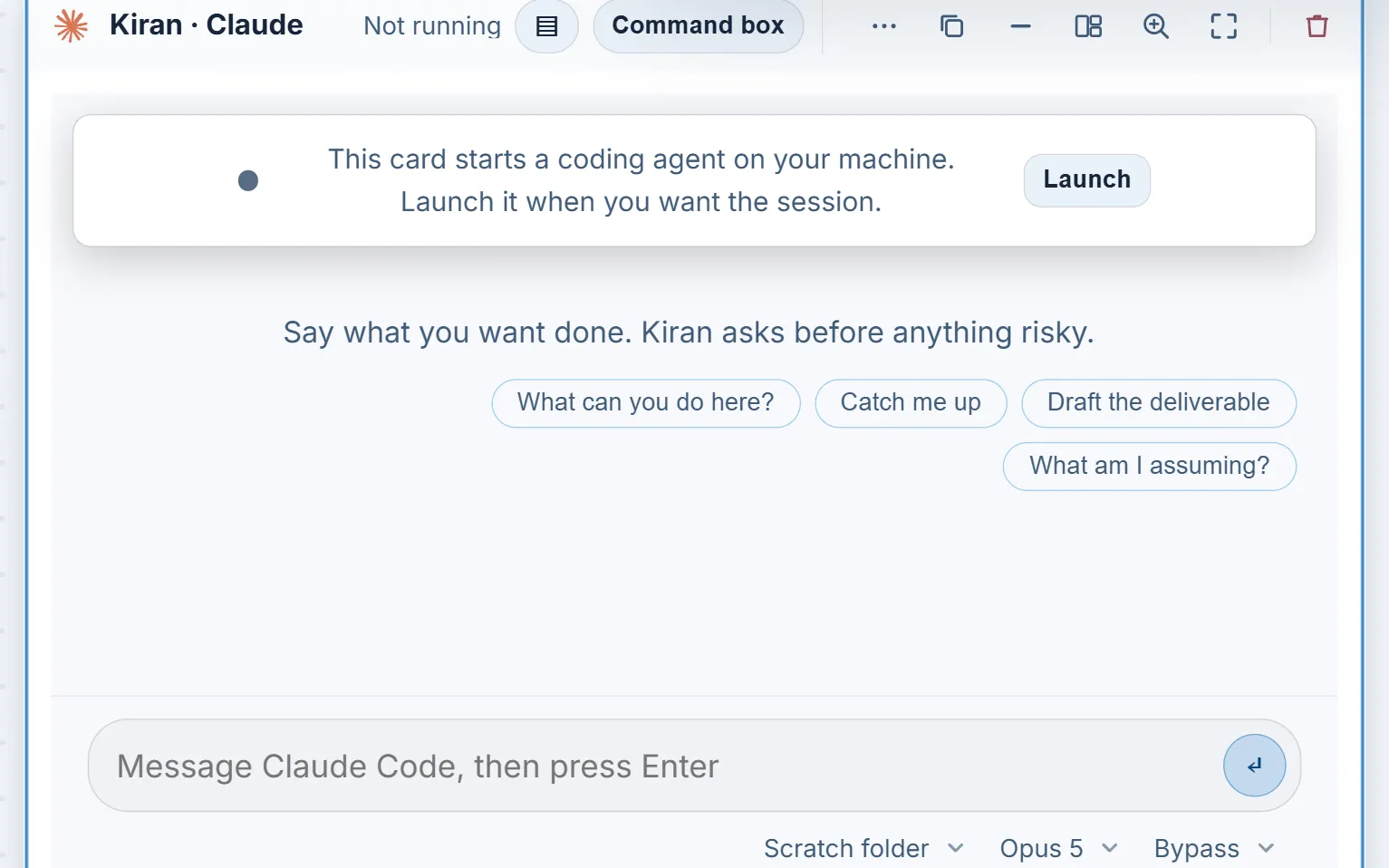
An agent card, which CoLateral calls a Terminal Card, runs one signed-in coding CLI on your own computer in a real terminal session. Supported CLIs include Claude Code, OpenAI Codex, Gemini CLI, GitHub Copilot, Grok Build, Kiro, OpenCode and the Cursor CLI. Each card has its own session, folder, model choice and permission mode (ask, auto or bypass), so two or three agents can work on different tasks at the same time and you can see all of them at once.
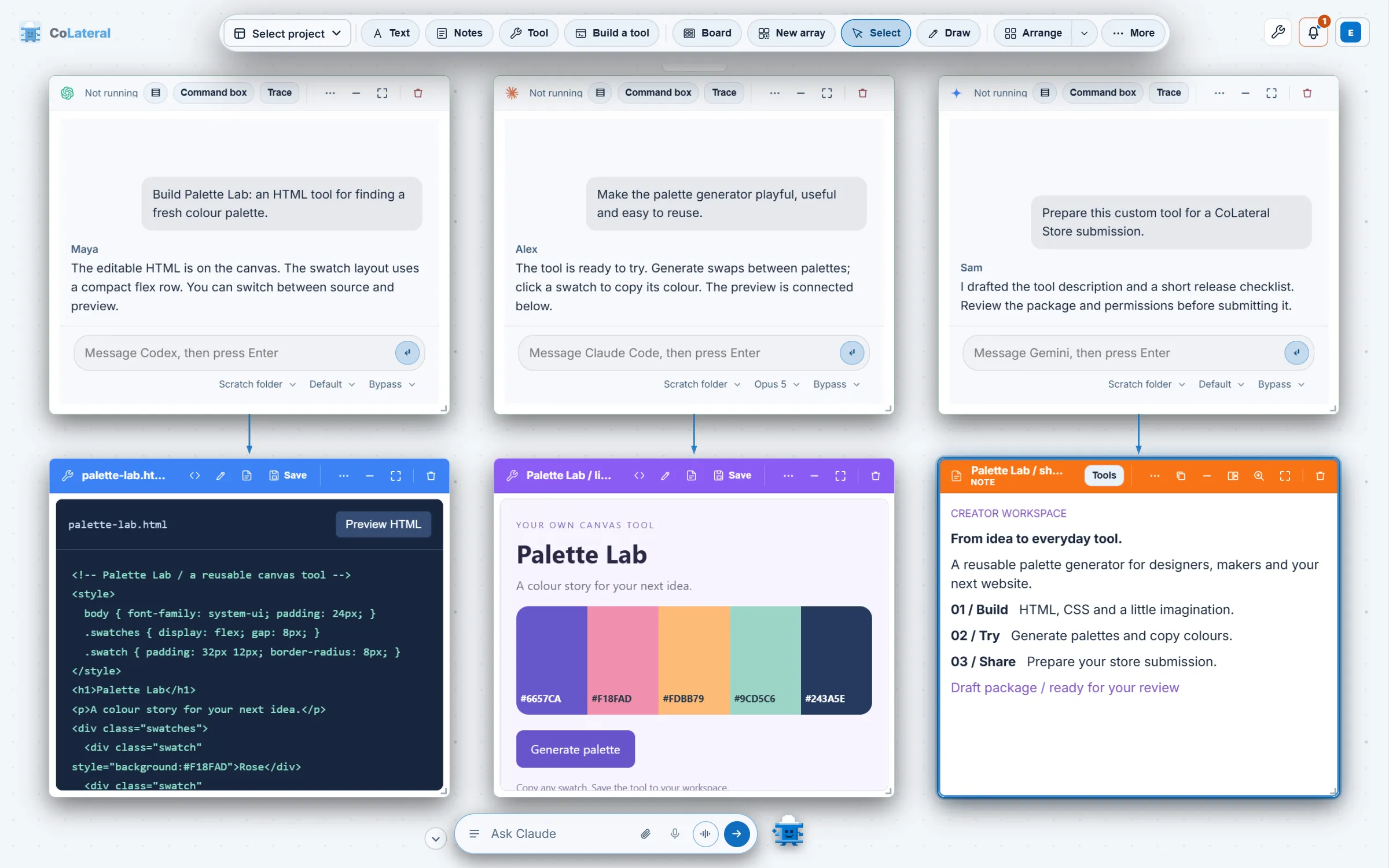
CoLateral supplies no model credits. Each agent runs on the account you already hold with that provider, and that plan's limits are the limits that apply. The workspace itself is a one-time license rather than a subscription; the pricing page has the current price and what it covers.
Side by side
| Cursor | CoLateral | |
|---|---|---|
| What it is | AI code editor (VS Code fork) with an agent, CLI and cloud agents | Desktop canvas where coding CLIs run as cards beside notes, sheets, documents and tools |
| Main agent | Cursor's own agent, using models Cursor routes to | The CLIs you install: Claude Code, Codex, Gemini CLI, Copilot, Cursor CLI and others |
| Several agents at once | Yes, including cloud agents | Yes, one Terminal Card per agent, all visible on one canvas |
| Who supplies the AI | Cursor, from the plan's included usage, or your own key | Your own provider subscriptions; CoLateral supplies none |
| How you pay | Monthly or annual subscription; free Hobby plan | One-time license for the workspace; see pricing |
| Code editing | A full editor with completion and refactoring | Not an editor; use it beside the one you have |
| Platforms | macOS, Windows, Linux | Windows, macOS, Linux |
When Cursor is the better choice
- You spend most of your day writing code by hand and want completion, inline edits and an agent in the same window as your files.
- You do not already pay for Claude, ChatGPT or Gemini plans, and one bundled subscription is simpler than several provider accounts.
- Your team is standardising on one editor with shared billing, admin controls and cloud agents that open pull requests.
In those cases a canvas adds a second app without removing the need for the first. Cursor is a strong editor, and CoLateral does not compete with it there.
When CoLateral is the better choice
- You already pay for Claude Code, Codex or Gemini and do not want a second bill for AI usage on top of them.
- You run more than one agent and are tired of juggling terminal tabs to see which one is waiting for you.
- Your work around the code matters too: a brief, a spec document, a sheet of figures or a tool you built, linked to the agent as context by drawing an arrow.
- You prefer to buy software once rather than rent it.
Because CoLateral can run the Cursor CLI in a Terminal Card as well, the choice is not strictly either-or: a Cursor subscriber can put the Cursor agent on the canvas next to Claude Code and Codex.
Costs to compare honestly
A fair comparison counts the AI usage, not just the app. With Cursor, the subscription pays for both the editor and an amount of model usage. With CoLateral, you pay once for the workspace and your agents draw on the provider plans you hold, such as a Claude or ChatGPT subscription. If you hold none of those today, CoLateral's total cost includes buying at least one. If you already hold them, CoLateral adds no AI cost.
CoLateral saves the canvas locally on your device and its Terminal Cards run on your own computer, but an agent you run still sends its prompts and the material it reads to its model provider. Review your provider's terms before using sensitive material, whichever app you choose. CoLateral also includes tools such as the Math Engine for work that is not code.
If you run several agents and want them in one place, the guide Run Claude Code and Codex side by side walks through the setup, and CoLateral vs Conductor compares CoLateral with a Mac app built for parallel agents.