Conductor is a Mac app that gives each Claude Code or Codex agent its own git worktree and branch, then helps you review and merge the result. CoLateral is a desktop canvas for Windows, macOS and Linux where each agent is a card beside the notes, documents and tools it works from.
The short answer
Pick Conductor if you work on a Mac, your agents mostly change code in a GitHub repository, and you want each one isolated in its own git worktree with a diff viewer and a pull request flow built in. Pick CoLateral if you work on Windows or Linux as well as macOS, you run a mix of agents beyond Claude Code and Codex, or your agents work from documents, sheets and notes as much as from a repository.
Both bring your own AI subscriptions rather than reselling model usage. They differ in what they are organised around: Conductor around branches and diffs, CoLateral around a visual canvas of cards.
What Conductor is
Conductor is a macOS app for running a team of coding agents in parallel. Its installation docs say it is not yet available for Windows or Linux. You add a repository, and each workspace gets its own git worktree and branch, so agents do not edit the same checkout at once. Conductor needs a GitHub sign-in and at least one agent provider.
According to Conductor's harness docs, it runs Claude Code, Codex and OpenCode, with Cursor sessions through the Cursor API. Its workflow is built around code review: a diff viewer where you can comment on changed lines and send the comments back to the agent, an agent review of the diff, and a command that opens a pull request and then follows its checks.
As of October 2026, Conductor's pricing page lists a Free plan covering parallel agents in local workspaces on your Mac with your own subscriptions and keys, and a Pro plan at $50 a month that adds cloud workspaces, multiplayer and an API, with team and enterprise plans above it.
What CoLateral is
CoLateral is a desktop app for Windows, macOS and Linux built around one infinite canvas per project. Cards on the canvas hold notes, sheets, documents, to-do lists, tools you build by describing them, and agents.
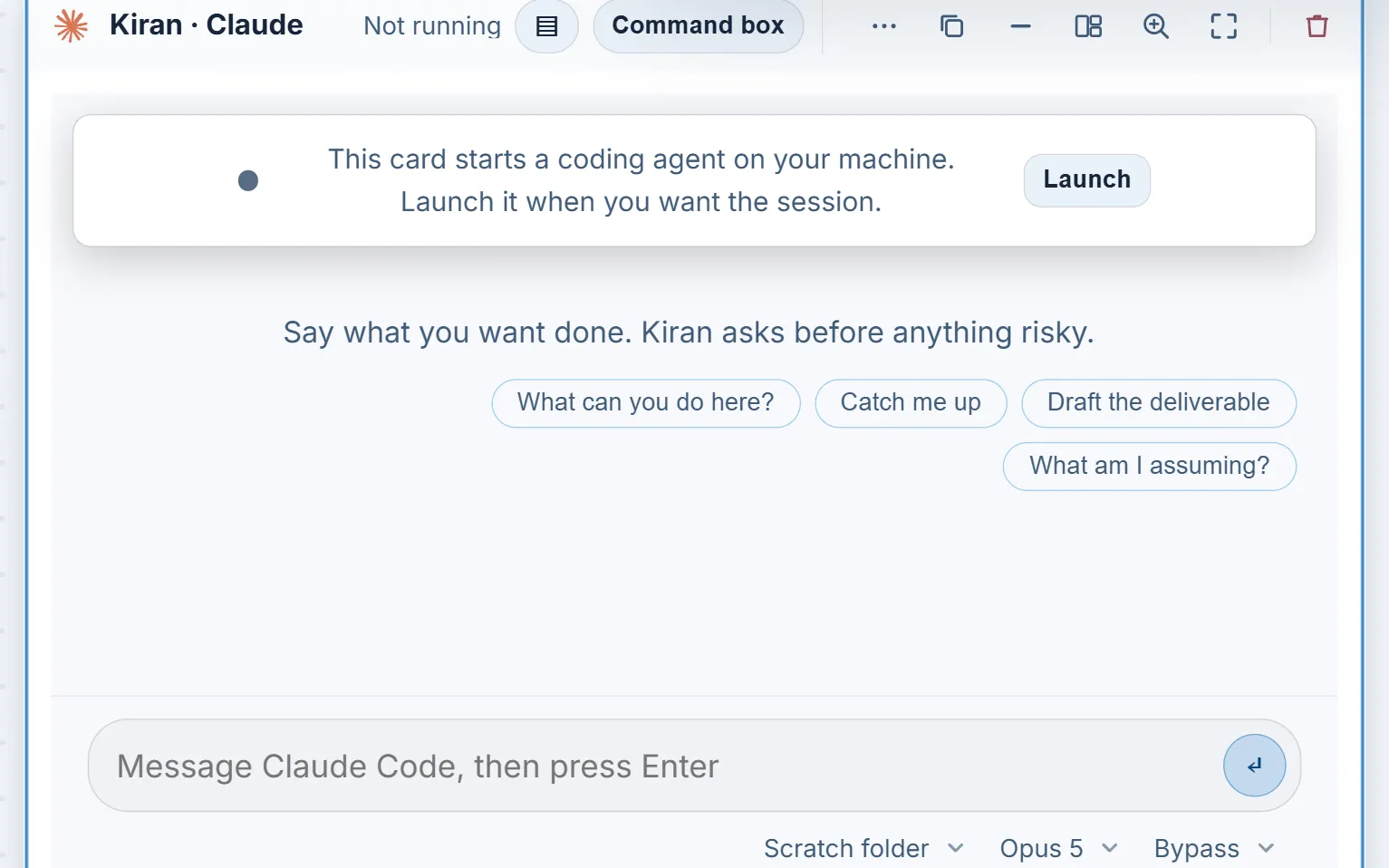
An agent runs in a Terminal Card: one signed-in coding CLI in a real terminal session on your own computer. Supported CLIs include Claude Code, OpenAI Codex, Gemini CLI, GitHub Copilot, Grok Build, Kiro, OpenCode and the Cursor CLI. Each card has its own session, folder, model choice and permission mode, and a Resources setting limits how many agents run at once so a busy machine is not overloaded.
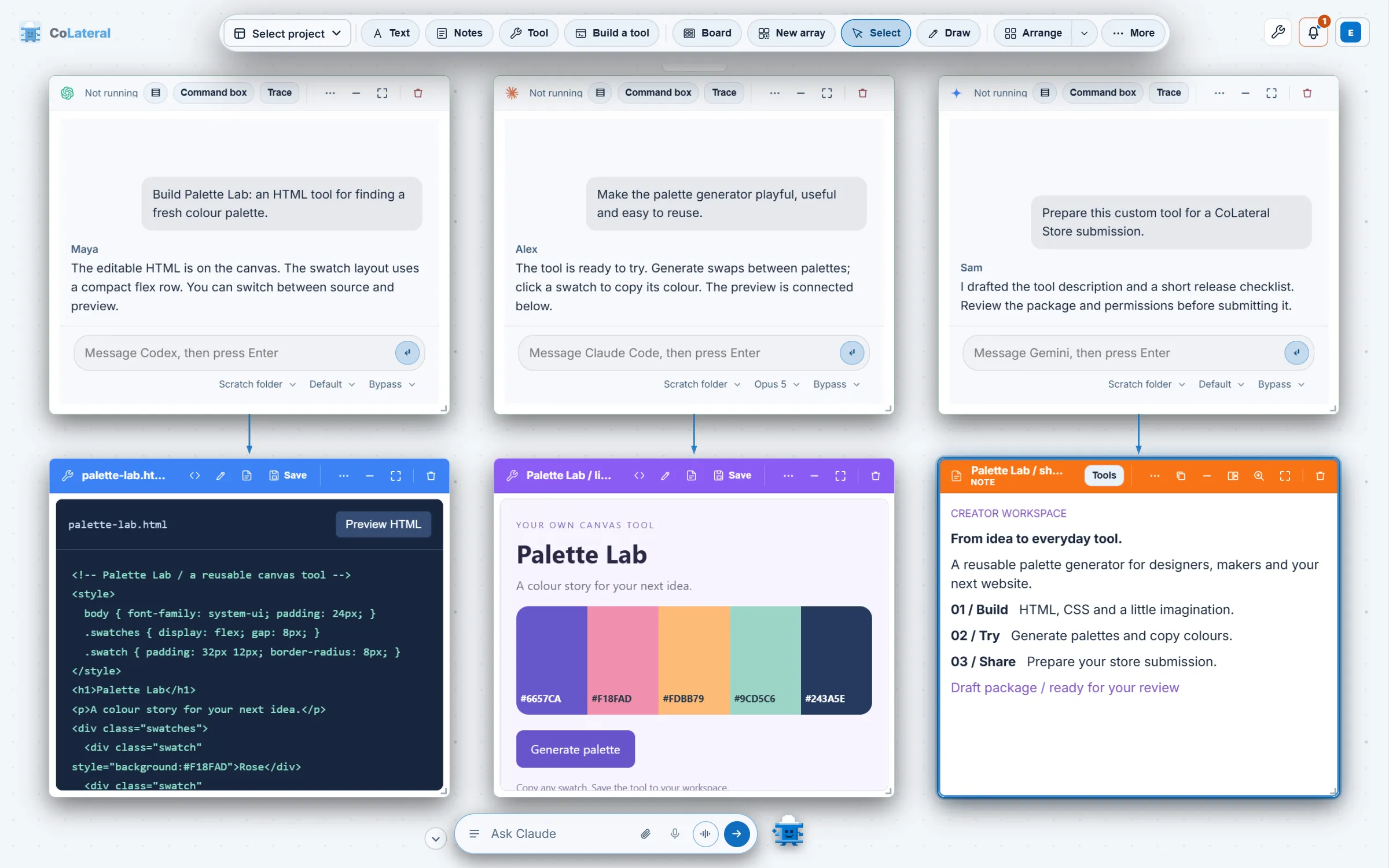
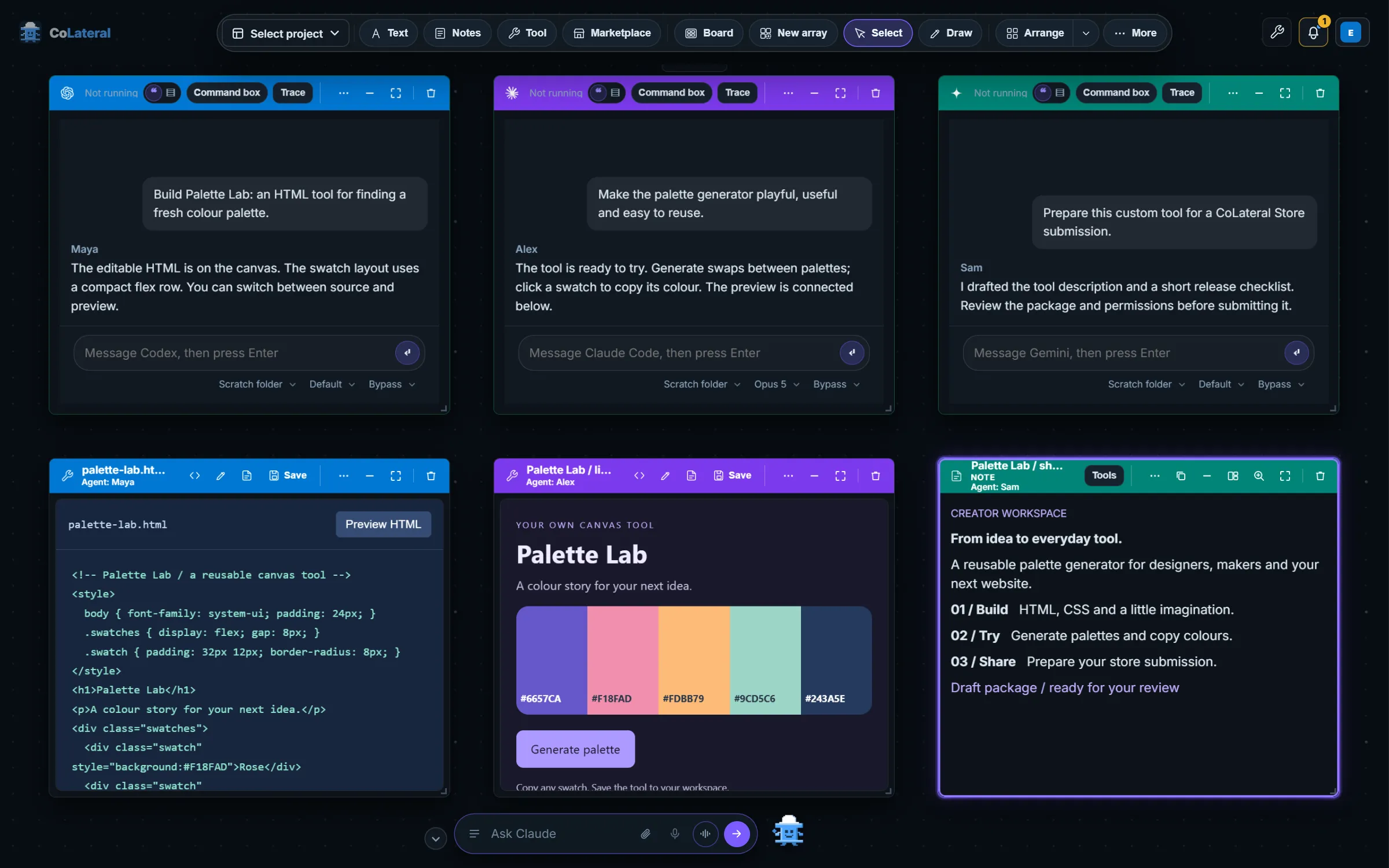
You can draw an arrow from a note, document or tool to an agent card, and the linked card is exported into that session as context. CoLateral supplies no model credits; each agent runs on the plan you hold with its provider. The workspace is a one-time license, and the pricing page has the current price.
Side by side
| Conductor | CoLateral | |
|---|---|---|
| What it is | Mac app for parallel coding agents in git worktrees | Desktop canvas where coding CLIs run as cards beside notes, sheets, documents and tools |
| Agents | Claude Code, Codex, OpenCode; Cursor through its API | Claude Code, Codex, Gemini CLI, Copilot, Cursor CLI, OpenCode and others |
| Isolation | A git worktree and branch per workspace | A session folder per card; you choose the folder each card works in |
| Review and merge | Built-in diff viewer, comments to the agent, pull request flow | Review in your own editor and git tools |
| Who supplies the AI | Your own subscriptions and keys | Your own subscriptions; CoLateral supplies none |
| How you pay | Free plan for local workspaces; Pro adds cloud | One-time license for the workspace; see pricing |
| Platforms | macOS; Windows and Linux not yet available | Windows, macOS, Linux |
When Conductor is the better choice
- You are on a Mac and your agents mostly ship code changes to a GitHub repository.
- You want worktree isolation, a diff viewer and pull request creation handled for you, in one flow.
- Its Free plan covers what you need, so there is nothing to pay for the app at all.
- You want cloud workspaces that keep running after you close your laptop, which Conductor offers on its paid plans.
For a branch-per-agent coding workflow on macOS, Conductor is purpose-built, and CoLateral does not try to match its review and merge tooling.
When CoLateral is the better choice
- You work on Windows or Linux, or move between them and a Mac.
- You run agents Conductor does not list, such as Gemini CLI, GitHub Copilot or Grok Build, next to Claude Code and Codex.
- Your agents need more than a repository: a brief in a note, a spec in a document, figures in a sheet or a tool you built, all on the same canvas.
- You want to see every agent at once as a card, rather than switching between workspaces in a list.
Things to check either way
Permission behaviour differs between agents in both apps. In CoLateral each Terminal Card offers ask, auto and bypass modes that the bridge turns into the flags each CLI understands, and bypass carries a warning because it removes the CLI's own guard. When two agents work on the same repository, give them separate folders or branches yourself, and review each result before you keep it.
Running on your own computer does not mean running a local model. Agents in either app send prompts and the material they read to their model providers. CoLateral also includes tools such as the Math Engine for work that is not code.
For the setup steps, read Run Claude Code and Codex side by side. For a terminal-centred comparison, see CoLateral vs Warp.