What it does
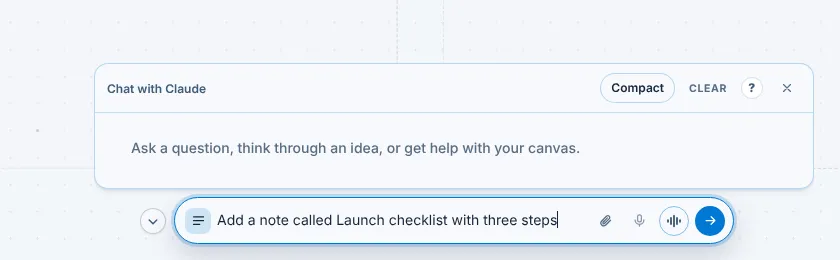
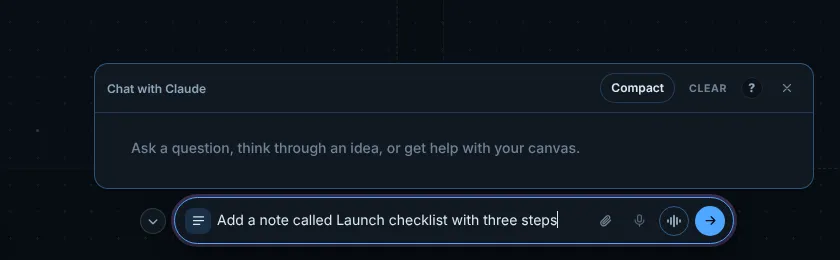
The bar at the bottom centre of the canvas is the one place to type a request. It runs on your default agent (the CLI new agent cards start with, set in Settings > Agents), so its placeholder reads Ask Claude, Ask ChatGPT and so on.
It can put cards on the canvas, find work, arrange arrays and pass a task to an agent that is already open. Start a message with @ and an agent's name to send it to that agent. The paperclip attaches a file, the microphone dictates into the box and the wave button starts a voice conversation.
Steps
- Click the bar at the bottom of the canvas, or press Ctrl+K on Windows or Cmd+K on macOS for the command palette if you only want to find a command.
- Type what you want in a sentence, for example Add a note called Launch checklist with three steps, and press Enter.
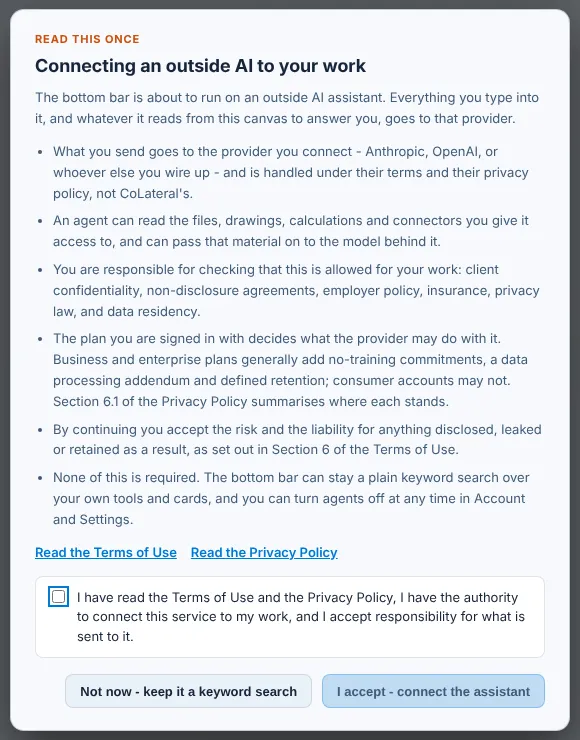
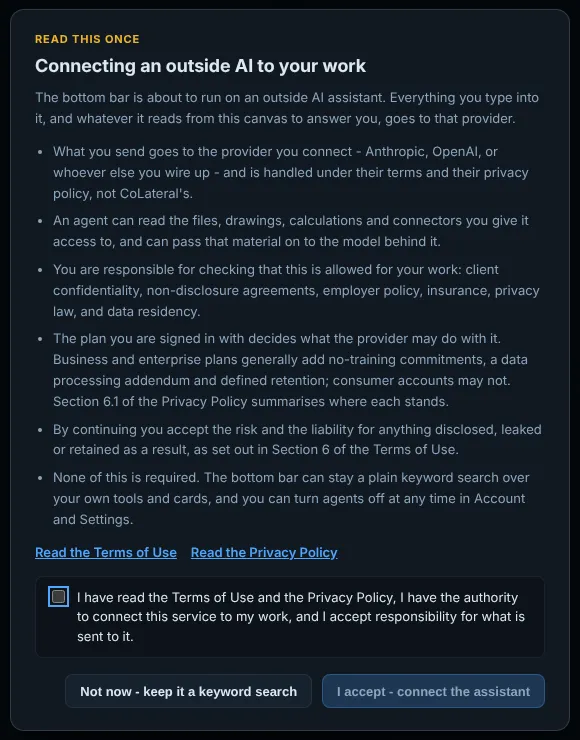
- The first time, read the Connecting an outside AI to your work notice. Tick the box and choose I accept - connect the assistant, or choose Not now - keep it a keyword search to keep the bar as a search over your own cards and tools.
- If your default agent is not connected yet, follow the Connect guide that opens (see Run agents and connect accounts), then send the request again.
- Open the conversation with the lines button at the left of the bar. Compact shrinks it, Clear empties it and the cross hides it.
Common errors
| What you see | What to do |
|---|---|
| Connect Claude Code to this workspace opens instead of an answer | The agent service is not running or not paired. In the desktop app it starts by itself; wait for step 1 to turn green, then sign in at step 3. |
| The bar only finds cards and never answers | You chose Not now - keep it a keyword search. Turn the outside AI notice back on in Settings > Orchestrator > First-connection notice, then send a request. |
| The bar says it is waking the agent and nothing happens | The default agent's CLI is still starting or waiting for sign-in. Open the agent card from Agent in the top dock and finish its sign-in. |
| The microphone button says setup is required | Dictation needs a speech model. Open Settings > Dictation and download one. |
Find this page from the app
Open the conversation panel above the bar and press the ? in its header, between Clear and the close button.
Related help
- Run agents and connect accounts - Start Claude, ChatGPT (Codex), Gemini or Copilot in a card on the canvas with the subscription you already have, and choose which account each one uses.
- Add and arrange cards - Put notes, spreadsheets, a browser, files and tools on the canvas from the Add menu, then move, resize, focus or remove them.
- Find your way around the canvas - Projects, arrays and the top dock: how the Project Canvas is laid out, how to move between arrays and how your work is saved.