What it does
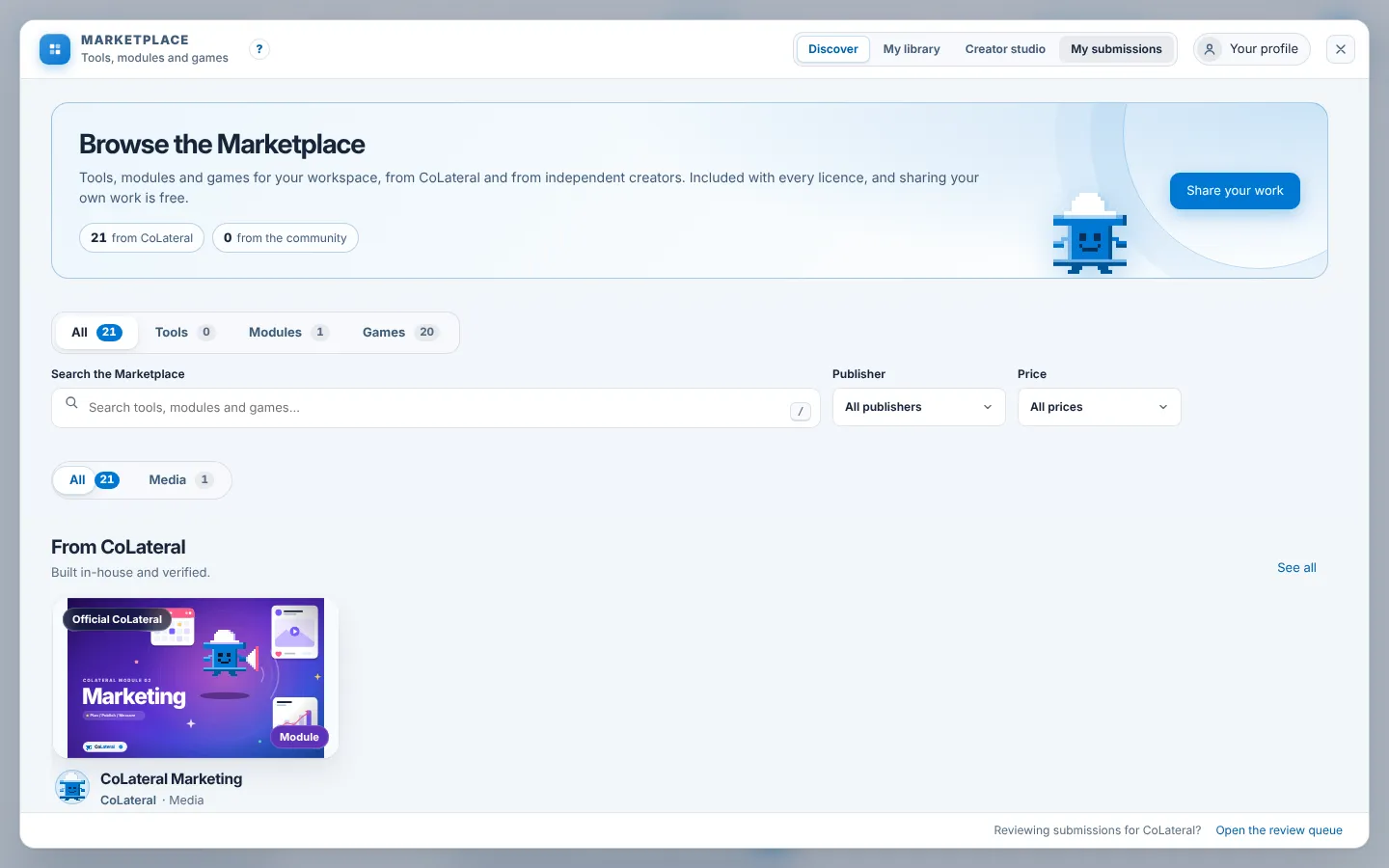
The Marketplace is where you find tools, modules and games for your workspace, from CoLateral and from independent creators. It is included with every licence, and sharing your own work is free.
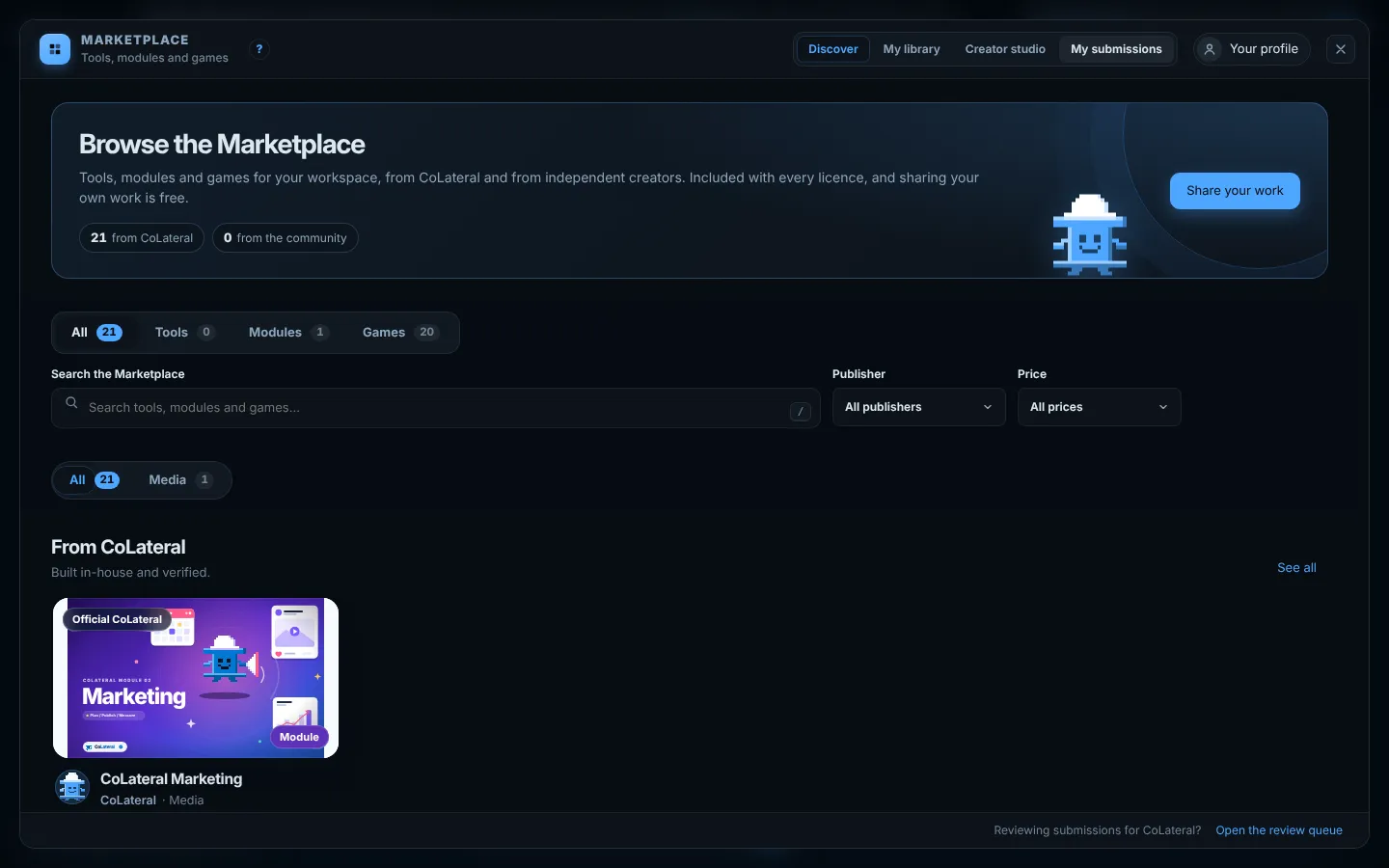
Along the top are three places to browse: Discover, Games and My library for what you have installed. Upload shares something you made. Your picture opens the rest: Your profile, the name and picture the Marketplace shows with your work, My submissions to follow what you have sent for review, and Creator studio to prepare a listing. Something you have sent stays private until a reviewer approves it and it is published.
Steps
- Choose Marketplace in the group at the top right of the canvas.
- Use All, Tools, Modules or Games, the search box and the Publisher and Price filters to find something.
- Open a listing and choose Add to canvas for a tool, Install module for a module, or Play for a game.
- Find what you have installed under My library.
- To share your own tool, module or game, choose Upload, or Creator studio in the menu behind your picture, fill in the listing and choose Submit for review. Drafts are saved on this computer until you submit.
Common errors
| What you see | What to do |
|---|---|
| The Marketplace is empty or says it could not load | It needs an internet connection to read the catalogue. Check your connection and open it again. |
| Submit for review is not available | The line under the button says what is missing, such as a required field or an unsent creator application. Finish that step first. |
| An installed module does not appear | Check that it is listed under My library. If it is, close and reopen the canvas so the workspace loads it. |
| Closing asks about an unsent message | You typed a message that has not been sent. Send it, or confirm to close and lose it. |
Find this page from the app
Open the Marketplace and press the ? beside its title at the top left.
Related help
- Add and arrange cards - Put notes, spreadsheets, a browser, files and tools on the canvas from the Add menu, then move, resize, focus or remove them.
- Play in CoLateral Arcade - Open the Arcade from the canvas, walk the basement or pick a cabinet from the game hall, and get back to work in one click.
- Activate your licence - Enter the key from your purchase email to activate CoLateral on up to two of your computers, and move a seat when you change machines.