What it does
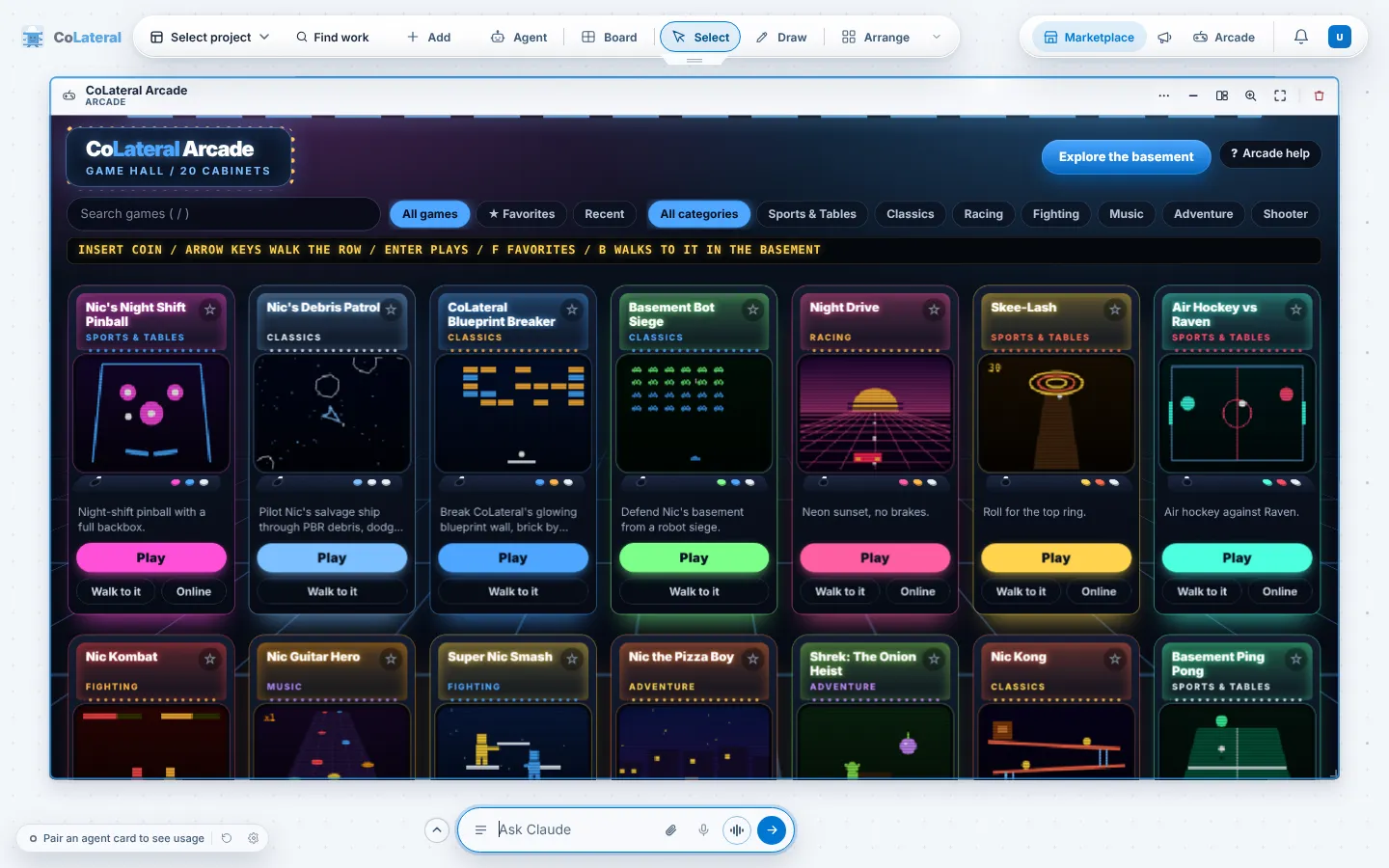
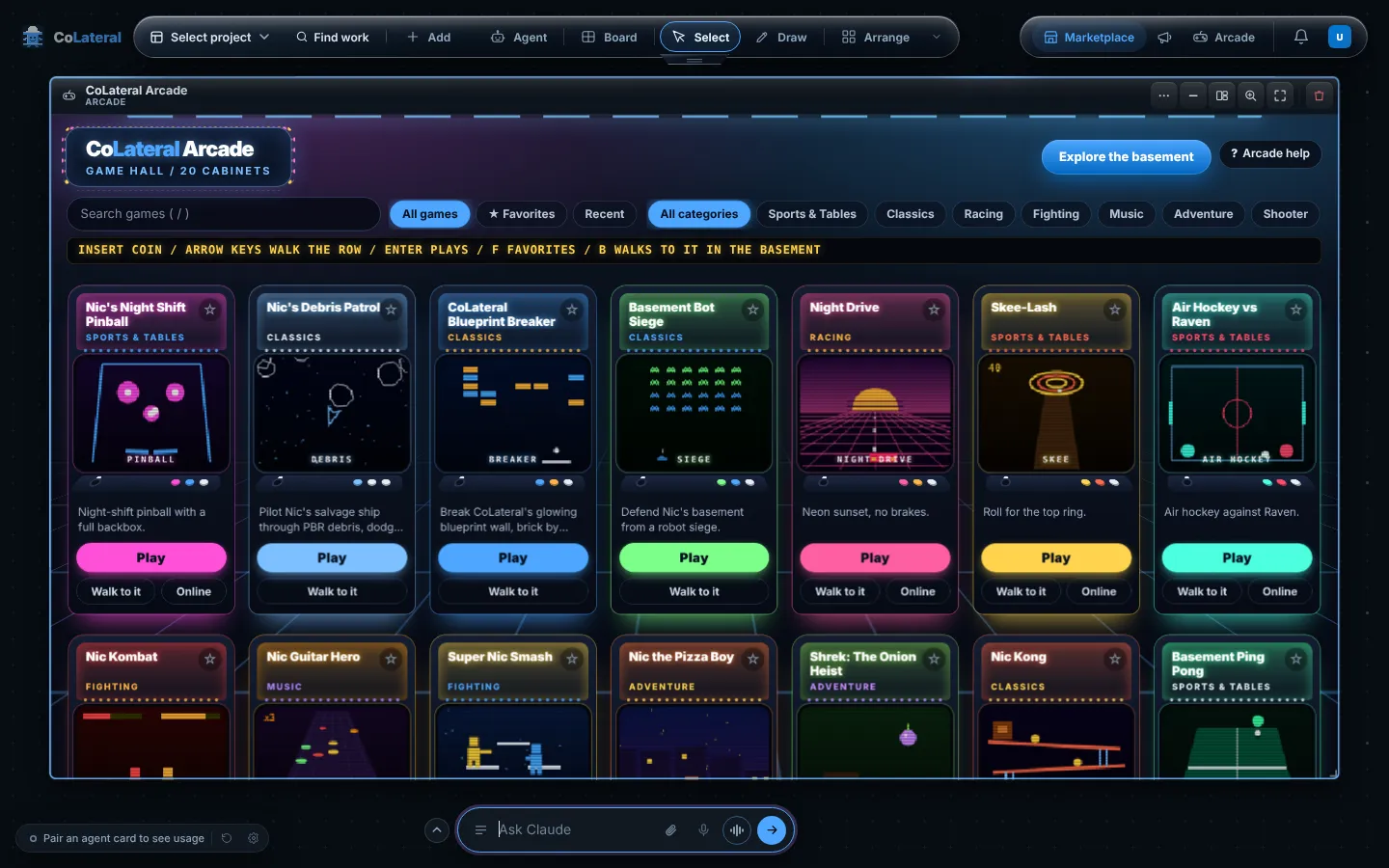
CoLateral Arcade is the games module built into the workspace: a 3D basement you walk around, with arcade cabinets you can step up to and play. The game hall lists every cabinet as a card with Play, Walk to it and, for some games, Online.
Arcade opens as a card on your canvas, so your work stays where it is. Games you install from the Marketplace appear in the game hall too.
Steps
- Choose Arcade in the group at the top right of the canvas, or press Ctrl+Shift+G on Windows or Cmd+Shift+G on macOS. On Windows the Start menu also has a CoLateral Arcade entry.
- Walk the basement to a cabinet, or open the game hall from the bar above the game with Game hall.
- In the game hall, search or filter by category, then choose Play on a cabinet. Walk to it takes you to that cabinet in the basement.
- While playing, use Pause or Leave game in the bar above the game.
- Choose Return to work to go back to the cards you had open.
Common errors
| What you see | What to do |
|---|---|
| There is no Arcade button | Arcade is switched off. Turn on CoLateral Arcade in Settings > Modules; your games and saved progress are kept while it is off. |
| Starting another game asks before leaving | Play without a supported checkpoint is lost when you leave a game. Confirm to switch, or cancel to keep playing. |
| Online opens your web browser | Online play runs in the browser. Join status is shown there. |
| The basement runs slowly | Close other heavy windows. Where a game offers a graphics setting in its own menu, choose a lighter one, or pick games from the game hall instead of walking. |
Find this page from the app
Press Arcade help in the game hall beside Explore the basement, or in the bar above a running game.
Related help
- Use the Marketplace - Browse tools, modules and games from CoLateral and independent creators, add them to your workspace, and share your own work.
- Find your way around the canvas - Projects, arrays and the top dock: how the Project Canvas is laid out, how to move between arrays and how your work is saved.