What it does
- Indexes a PDF drawing set and classifies each sheet.
- Reads title-block project info and suggests walls, openings and more, each with its evidence.
- Turns the items you accept into a draft layout, traced back to the sheet.
Upload drawings and review AI-suggested walls, openings and project info, with evidence.
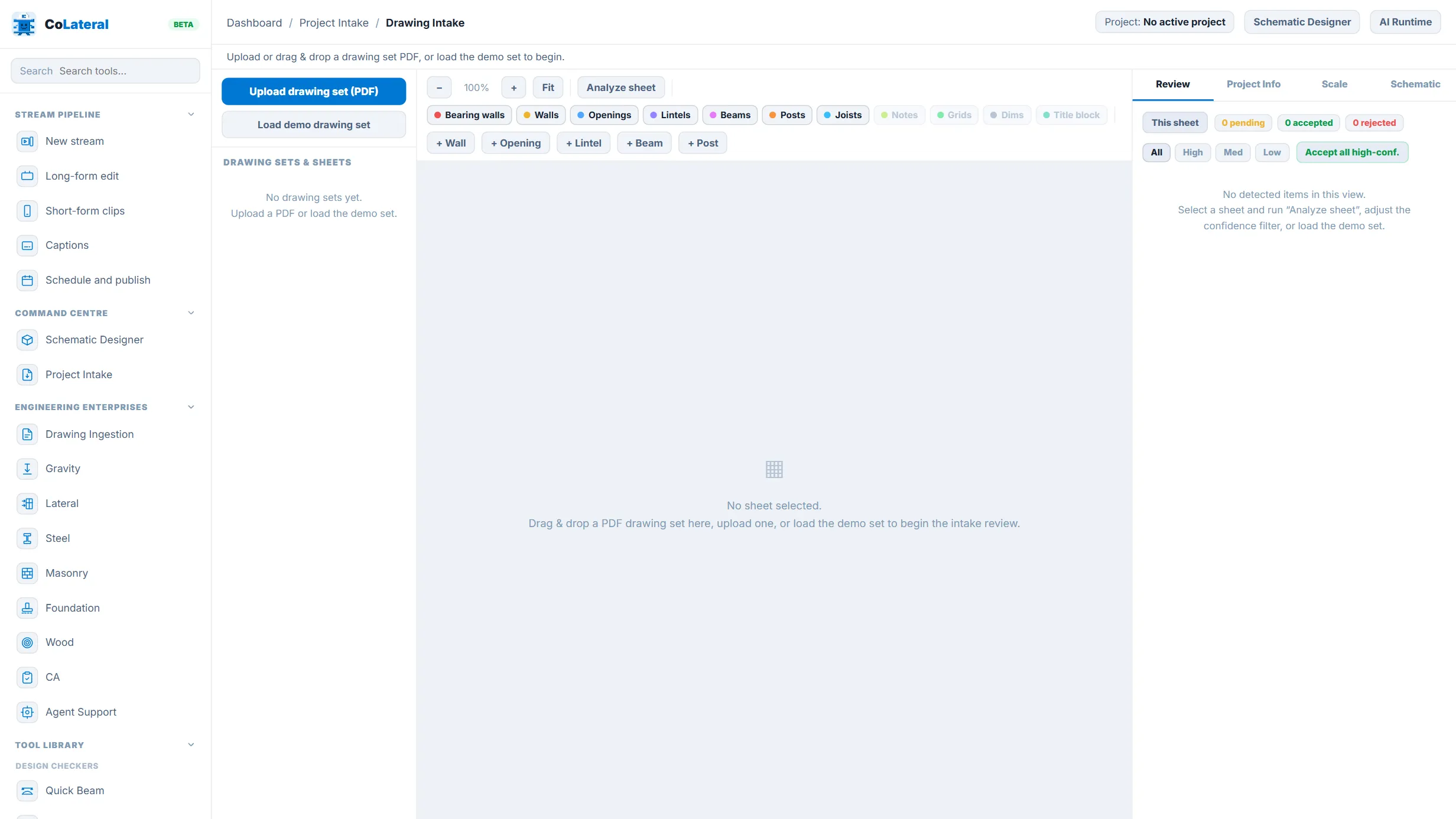
How to use it Check the scale first, then accept, edit or reject each suggestion.
It ships inside the CoLateral desktop app, next to your files and your agents. Anything an agent writes stays a draft until you approve it.