What it does
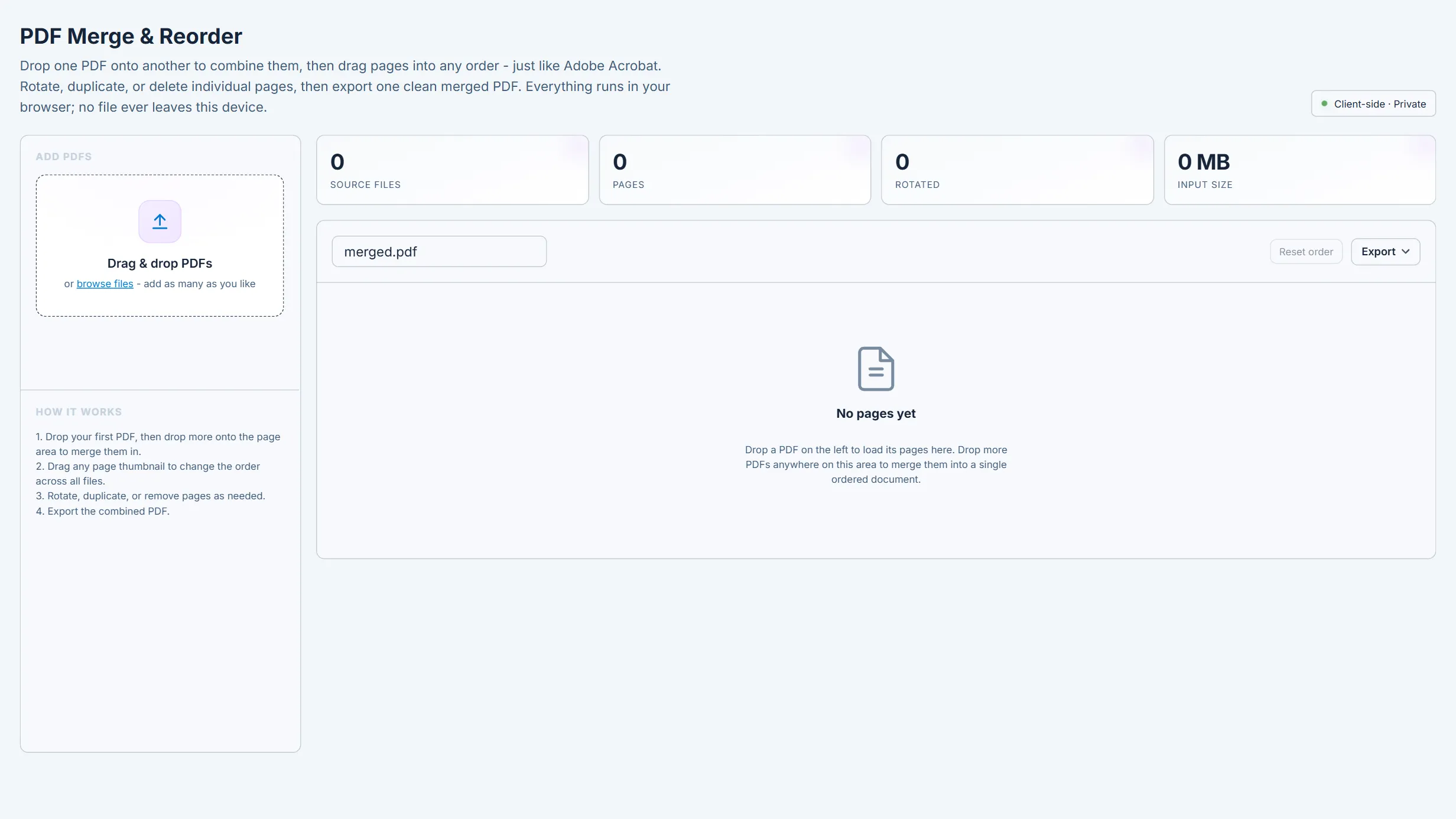
- Drop in PDFs and every page loads as a thumbnail you drag into order.
- Rotate, duplicate or delete single pages across all your files.
- Export one merged PDF. It runs locally and no file is uploaded.
Merge PDFs and drag pages into order. Runs locally in CoLateral.
How to use it Assemble a drawing package or a report, then check page order and orientation in the export.
It ships inside the CoLateral desktop app, next to your files and your agents. Anything an agent writes stays a draft until you approve it.